Motion Branding: Build a System, Not Just an Animated Logo
Motion branding is most valuable when it becomes a disciplined part of the brand system rather than a collection of isolated effects. The aim is not to animate every touchpoint. It is to create a recognisable, usable, and accessible behaviour that supports authority across the client experience.


On this page8 min left
Motion branding is the deliberate use of movement to express a brand’s identity across digital experiences. It is not simply an animated logo at the end of a video.
A strong motion identity establishes how a brand enters, transitions, emphasises information, responds to interaction, and remains still when movement would distract.
For B2B firms, this matters because brand trust is built through repeated signals. A pitch presentation, website interaction, social video, webinar lower third, and proposal animation should feel like parts of the same organisation.
When they do not, the brand can appear fragmented, even when the logo, colours, and typography are technically correct.
We should treat motion as a behavioural layer of the brand identity. Static design tells audiences what a brand looks like. Motion branding helps show how it behaves.
What Motion Branding Is and What It Is Not
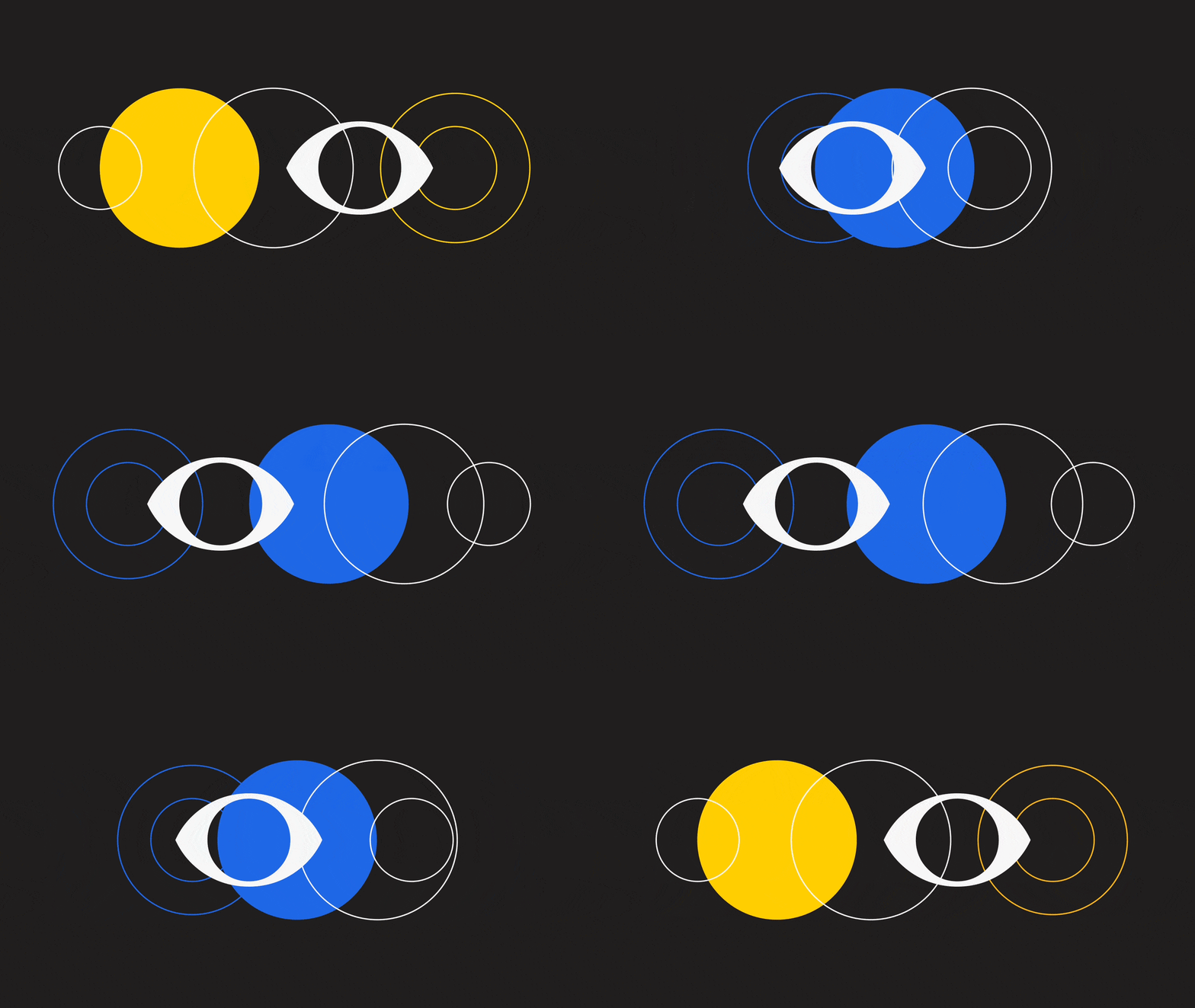
A motion identity creates repeatable behaviour
Motion branding is a system of rules for designed movement. It can include animated logos, kinetic typography, transitions, lower thirds, interface feedback, video overlays, and ambient movement. The difference is that these assets are connected by a shared logic.
Content Creatures’ overview of motion branding describes motion systems as a way to define movement rules alongside animated logos, kinetic typography, transitions, and related branded assets. That distinction is useful: an animated logo is one asset, while motion branding determines how many assets should behave together.
Consider two firms using the same blue wordmark. One uses a rapid, elastic logo reveal, oversized bouncing type, and sharp edits in every social clip. The other uses measured fades, precise line movements, and restrained transitions.
The visual identity may be similar on paper, but the perceived character is completely different. Motion communicates confidence, pace, hierarchy, and tone.
Motion branding versus motion graphics
Motion graphics is the broader discipline of communicating with moving graphic elements. Motion branding is motion graphics applied through a brand strategy and identity system.
Term | Primary purpose | Typical output | Decision maker question |
|---|---|---|---|
Motion graphics | Explain, entertain, or communicate | Explainer video, title sequence, data animation | Does this asset communicate clearly? |
Animated logo | Add movement to a logo | Intro, outro, loading mark | Does the logo animate cleanly in context? |
Motion branding | Express brand behaviour consistently | Rules, templates, components, and assets | Does every movement reinforce our positioning? |
Video branding | Maintain visual consistency in video | Lower thirds, captions, transitions, end frames | Can teams produce on-brand video at scale? |
An animated logo can be valuable, especially for video intros or launch moments. But it is not enough to count as a complete motion identity. If the logo moves with calm precision while the rest of the video uses erratic transitions and unrelated typography, the brand is still inconsistent.
Recognition is not the same as attention
Movement can capture attention, but attention alone is not a business outcome. A noisy animation might stop a viewer scrolling, yet do little to help them identify the firm behind it. In professional services, where credibility and fee justification matter, visual activity should not overpower the message.
A useful test is simple: remove the logo from a short clip. Could a regular client still recognise the brand through its typography, pacing, composition, and transition style? If the answer is no, the work may be visually energetic but not yet branded.
We should use movement to make meaning easier to absorb. For example, a consulting firm might use a single line that moves from uncertainty to structure as a recurring transition device.
That line can appear in a client presentation, an insight video, and a website case study. Over time, it becomes a recognisable behavioural cue rather than a decoration.
Building a Motion Identity System
Start with brand strategy, not software
Before choosing animation tools or commissioning a showreel, define what the brand needs motion to achieve. This is especially important for B2B organisations with long buying cycles and multiple decision-makers.
A motion brief should answer five questions:
- What should movement make audiences feel: assurance, momentum, precision, warmth, optimism, authority, or something else?
- Which messages need help from motion: complex services, evidence, process, thought leadership, recruitment, or product demonstrations?
- Where will motion appear most often: websites, LinkedIn, webinars, presentations, paid media, client portals, or events?
- What operational constraints apply: internal production skills, approval cycles, legal review, accessibility needs, and software licenses?
- Which behaviours would undermine positioning: excessive bounce, abrupt cuts, novelty effects, or overly cinematic production for routine communications?
Motion should extend a defined visual system, not compensate for a weak one. A clear brand identity package provides motion designers with reliable raw materials: type hierarchy, colour logic, image direction, graphic devices, and a foundation for positioning.
Define a motion behaviour taxonomy
A practical motion system classifies movement by function. This prevents teams from treating every animation as a one-off creative decision.
Motion behavior | What it does | Appropriate B2B use | Common failure |
|---|---|---|---|
Entrance | Introduces an element | Opening a video title or revealing a key insight | Making every item enter separately, slowing the message |
Exit | Removes an element | Clearing a slide before a new argument | Using dramatic exits for routine content |
Emphasis | Directs attention | Highlighting a statistic, deadline, or call to action | Competing emphasis across several elements |
Transition | Connects states or scenes | Moving between sections in a webinar or film | Using unrelated transitions in each asset |
Transformation | Shows change or process | Explaining a service journey or data progression | Animating without improving comprehension |
Ambient motion | Adds subtle life | Background movement in a digital event or hero area | Distracting from reading or interaction |
The system should then specify behavioural rules. These rules are more useful than a folder of finished MP4 files because they help future teams make decisions as new channels emerge.
Establish the rules that teams actually need
At minimum, motion guidelines should cover the following areas:
- Timing: Define preferred durations for micro-interactions, slide transitions, logo reveals, and social edits. The aim is not mathematical uniformity. The aim is a controlled pace.
- Easing: Specify whether movement accelerates gently, stops sharply, glides, or uses a more expressive curve. Easing often shapes perceived personality more than the direction of movement.
- Directionality: Decide whether the brand generally moves left to right, upward, inward, outward, or along a signature path. Direction can reinforce reading flow and visual hierarchy.
- Scale and hierarchy: State what can move first, what moves second, and what remains fixed. If everything moves, nothing is prioritised.
- Interruption: Define how to handle user-initiated actions, skipped video, or changing content. A user should not have to wait for an animation to finish before accessing information.
- Stillness: Identify moments when animation should be absent. Legal disclosures, dense financial information, sensitive communications, and high concentration tasks often benefit from stability.
This is usable by a designer, developer, editor, or external supplier.
Implementing Motion Branding Across B2B Touchpoints
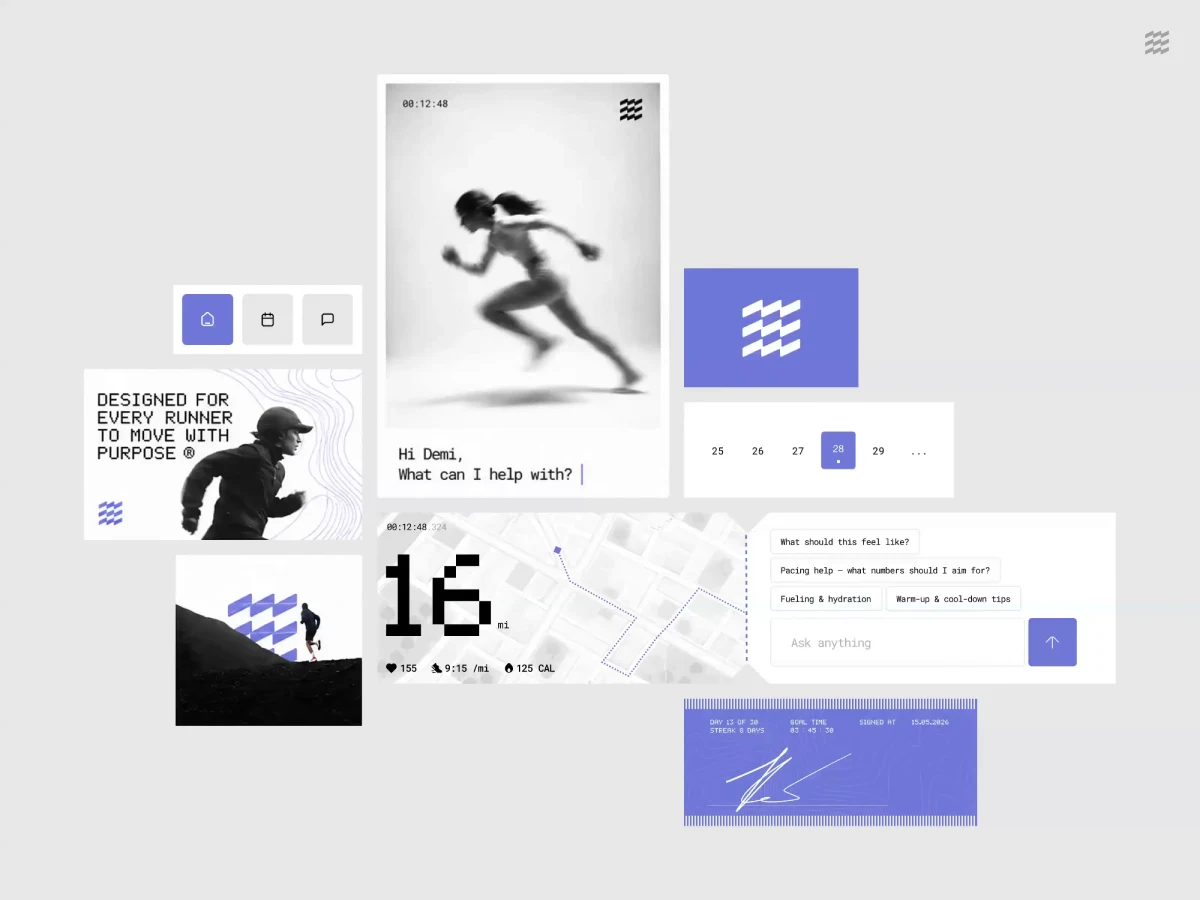
Design for context, not one master file
The same motion behaviour must adapt to different playback conditions. A three-second logo reveal that works before a brand film may be far too long for a six-second social clip.
A subtle web interaction may disappear on a low-power mobile device. A presentation transition that looks polished in a boardroom can become distracting when repeated across 40 slides.
We recommend testing the system in the real contexts where people will encounter it:
- A silent social video viewed on a phone
- A captioned webinar viewed in a browser window
- A client pitch presentation controlled by a presenter
- A website component on mobile and desktop
- A large screen event loop viewed from a distance
- An internal template used by a non-designer
This is where many systems fail. Teams approve a beautiful hero animation in a controlled review environment, then discover it is too heavy for the website, too subtle for social media, or impossible to recreate in PowerPoint.
Build an implementation layer for non-specialists
The brand team may define the system, but marketing managers, business development teams, video editors, developers, and external agencies often apply it. Their needs differ.
FLOW’s motion branding services provide scalable frameworks and practical toolkits to ensure consistency across content, channels, and teams. That operational focus is critical. A system that only its original animator can use will not scale.
A useful toolkit can include:
- Editable presentation transitions and title slides
- Social media layouts with fixed safe areas and caption styles
- Video project templates for lower thirds, title cards, and end frames
- Web motion components with documented behaviours
- Approved logo animation variants for light, dark, silent, and sound-enabled use
- A small library of transitions rather than unlimited stylistic options
- Clear naming conventions, version dates, and usage notes
For example, a law firm may need a short motion toolkit that lets its marketing team produce event announcements without altering logo proportions or using unauthorised effects.
The system should make the correct choice easier than the incorrect one.
Specify deliverables before production begins
A polished animation is not a complete delivery if the receiving team cannot use it. Create a deliverable specification matrix before animation starts.
Requirement | Questions to settle | Why it matters |
|---|---|---|
Aspect ratios | Do you need 16:9, 1:1, 4:5, or 9:16? | Prevents late cropping that breaks hierarchy |
Frame rates | Which rates are required for video, broadcast, and web? | Avoids uneven playback or conversion issues |
File formats | Do teams need MP4, MOV, GIF, Lottie, SVG, or alpha-enabled files? | Matches assets to platforms and use cases |
Transparency | Is an alpha channel required? | Allows overlays on changing backgrounds |
Looping | Should an asset loop, stop, or transition elsewhere? | Prevents awkward repeated movement |
Captions | Who supplies captions, and how are they styled? | Supports comprehension in sound-off viewing |
Audio | Is sound optional, essential, or prohibited? | Avoids reliance on music for meaning |
Source files | Which editable project files and fonts are included? | Supports maintenance and future adaptation |
Make reduced motion part of the system
Motion can affect user experience differently for different people. A brand system should provide reduced-motion and no-motion alternatives rather than treating accessibility as a late technical adjustment.
This does not mean removing all personality. It means preserving hierarchy and meaning without requiring movement. A slide-in transition can become an immediate appearance. A parallax effect can become a static layered composition. A looping background can pause after one cycle or remain still.
For websites and digital products, reduced motion should be designed alongside the primary experience. If a progress state is conveyed solely through spinning or moving elements, users may miss important feedback when animation is suppressed. Pair movement with text, colour, icons, or clear state changes.
Motion must support the message, not become the only way to understand it.
Governance, Measurement, and Continuous Improvement
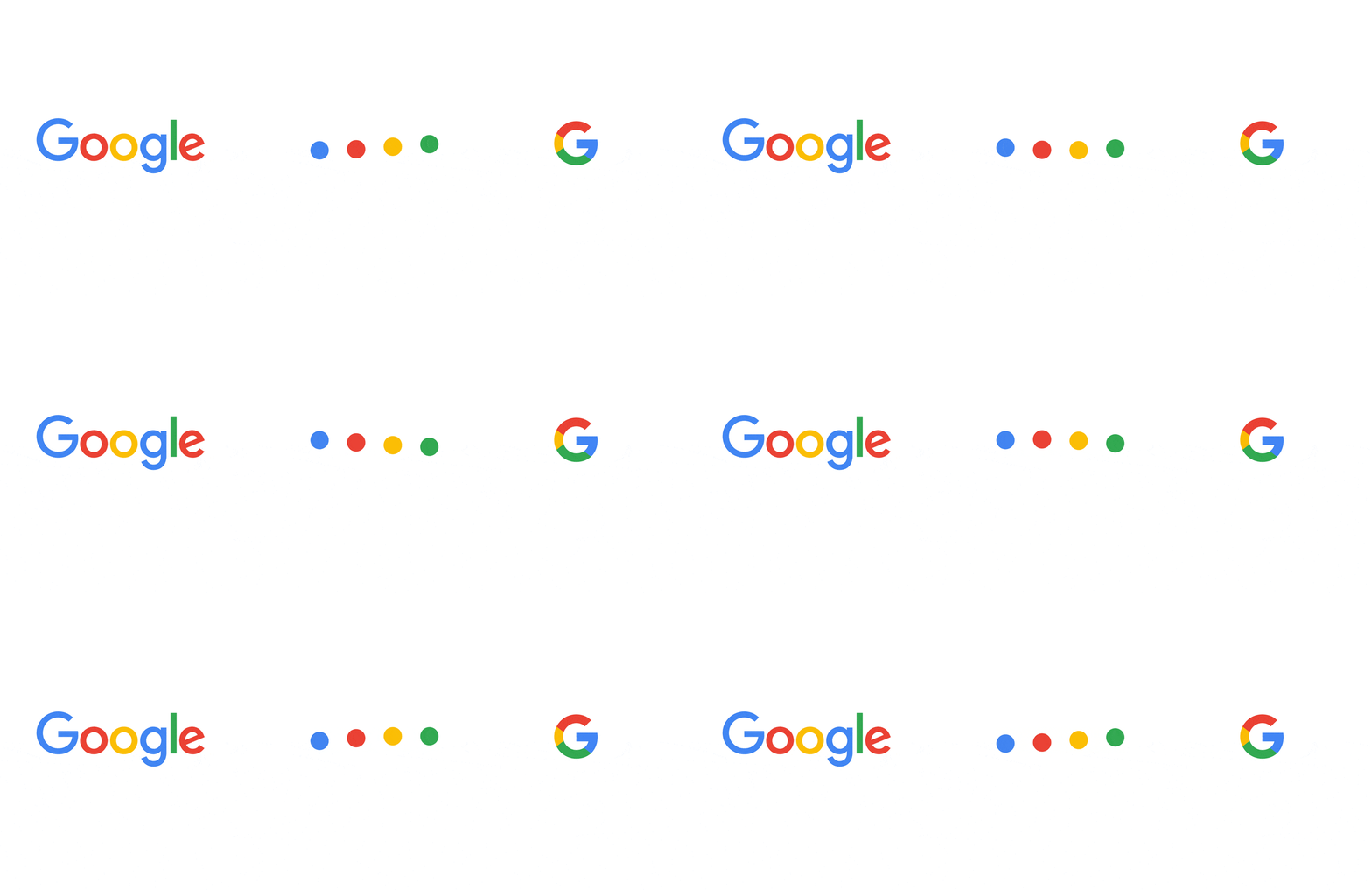
Give motion branding an owner
Brand consistency deteriorates when no one owns approvals, assets, and updates. Motion governance does not require a large department, but it does require clear accountability.
A workable governance model assigns responsibility for:
- Approving new motion patterns and exceptions
- Maintaining the asset library and editable source files
- Updating templates when platforms change
- Reviewing accessibility and reduced motion alternatives
- Retiring obsolete assets rather than letting old versions circulate
- Documenting approved suppliers and handoff requirements
Your brand guidelines should include motion principles, usage examples, and decision rules, not merely links to downloadable files. Teams need to know what to do when a new request falls outside the existing template library.
Measure communication performance, not animation admiration
There is no authoritative UK benchmark demonstrating that motion branding alone leads to a general increase in recognition, conversion, or retention.
Results depend on the proposition, audience, media placement, creative quality, and distribution. Claims that motion automatically improves performance should be treated cautiously.
Instead, measure the objective attached to the asset. A product explainer may be assessed by completion rate and demo requests.
A thought leadership clip may be assessed by qualified engagement and landing page actions. A website transition may be assessed by task completion, page speed, and user feedback.
Objective | Useful signals | What to watch for |
|---|---|---|
Brand recognition | Correct brand attribution, recall in research, consistent use across channels | Confusing attention with recognition |
Message clarity | Comprehension, fewer repeated questions, video completion | Animation that delays the point |
Conversion support | Qualified inquiries, form completion, demo requests | Attributing every result to motion alone |
Operational efficiency | Template adoption, turnaround time, fewer revisions | Templates that are too rigid for real use |
User experience | Task completion, accessibility feedback, page performance | Heavy assets and inaccessible interactions |
Control scope, cost, and revisions
Costs and timelines vary widely because a motion project can range from a single logo reveal to an organisation-wide system.
One UK provider lists a basic package from £3,500 and describes a typical full project as taking four to six weeks, but those figures are provider-specific rather than market-wide benchmarks.
Scope should be evaluated through outputs, complexity, stakeholders, and implementation requirements rather than a single headline price.
A short project may be appropriate when the static identity is mature, the use cases are narrow, and the team only needs a small toolkit. A broader engagement is more appropriate when the brand is changing, several departments create content, and motion must work across web, video, presentations, and campaigns.
Revision control is often the hidden cost. Approve strategy, storyboard logic, timing, and key frames before detailed animation. Changing the narrative structure after audio synchronisation, transitions, and graphics are complete can lead to avoidable rework.
Motion also works best when connected to brand storytelling. The movement should reinforce the narrative sequence: what changed, why it matters, and what the audience should do next.
Conclusion
Motion branding is most valuable when it becomes a disciplined part of the brand system rather than a collection of isolated effects. The aim is not to animate every touchpoint. It is to create a recognisable, usable, and accessible behaviour that supports authority across the client experience.
Start with the brand strategy, define the rules, test the system in real contexts, and give teams tools they can actually apply. When movement has a clear purpose, it can strengthen consistency without adding noise.
Questions people ask
What is motion branding?
Motion branding is a repeatable system for using animation, timing, transitions, typography, and movement to express a brand identity. It defines how brand elements behave across channels, not just how one video looks.
How is motion branding different from motion graphics?
Motion graphics can be created for many purposes, including entertainment, education, advertising, and data visualisation. Motion branding uses motion graphics within a defined brand system to ensure the work reflects the organisation’s visual identity, tone, and positioning.
Is an animated logo enough to count as motion branding?
Usually, no. An animated logo is a useful asset, but it does not establish rules for type, transitions, interface behaviour, pacing, and accessibility. It becomes part of motion branding when it follows and reinforces a wider movement language.
What should a motion branding guideline include?
It should include motion principles, timing ranges, easing behaviour, directionality, typography rules, logo usage, transitions, examples of correct and incorrect use, reduced-motion alternatives, asset specifications, ownership, and version-control procedures.
Can a small business create motion branding without hiring an agency?
Yes, if the needs are focused. A small organisation can start with a restrained set of rules, a logo animation, two or three social templates, presentation assets, and clear usage guidance. Avoid trying to build an elaborate system before the core identity and content needs are clear.
Which software is best for motion branding?
The best tool depends on the output. Basic social content may be manageable in accessible template-based tools. More complex animation, compositing, and editable production systems usually require specialist software and skills. Choose based on the required formats, internal capability, and whether assets must remain editable over time.
How should motion branding work for users who prefer reduced motion?
Provide an alternative that preserves information and hierarchy without relying on movement. Replace slides and loops with immediate state changes, still compositions, or subtle fades where appropriate. Test that instructions, progress, and calls to action remain clear when animation is reduced or absent.