7 Digital Asset Management Tools for Small Firms Compared
Digital Asset Management Tools are worth considering when your organisation has a repeatable problem with finding, approving, protecting, or distributing valuable digital content. The best platform is the one that supports the way your teams publish and collaborate while imposing only the governance needed to protect the business.



On this page8 min left
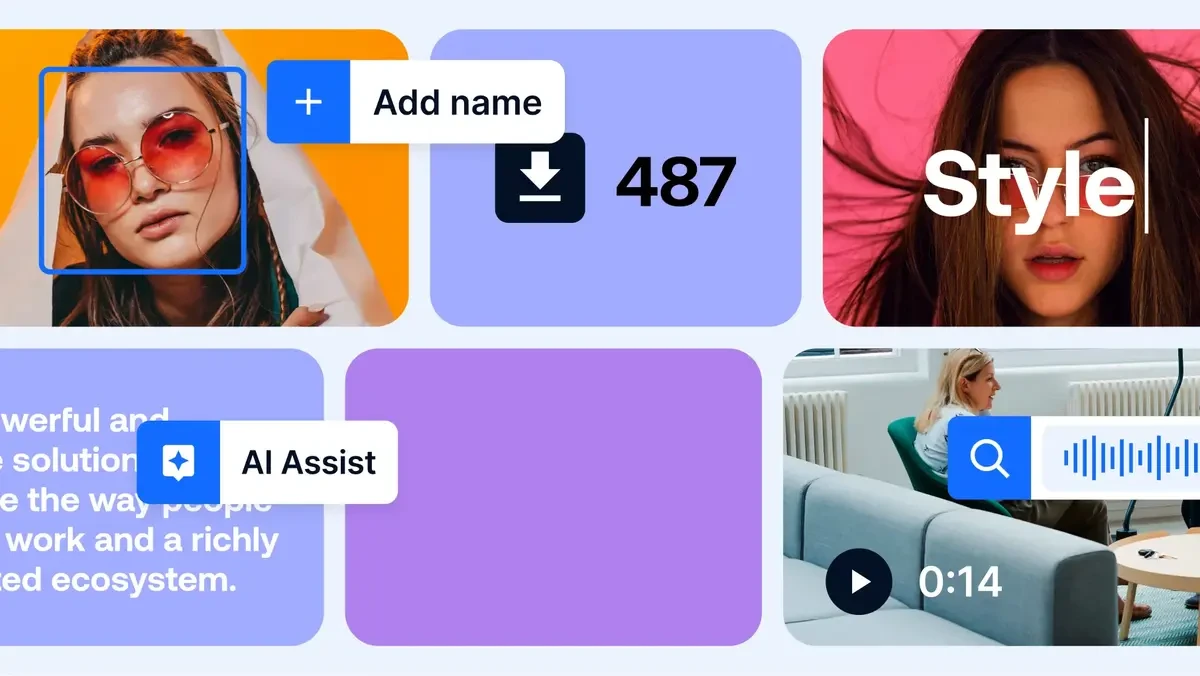
Digital Asset Management Tools give teams a single, governed place to store, find, approve, adapt, and distribute images, videos, documents, audio, product media, and other files.
For a small firm, the real decision is not whether a platform can hold files. It is whether it reduces the time spent asking for the latest logo, recreating content that already exists, or correcting the use of expired photography.
I recommend treating a DAM as a brand operations system, not simply a better folder structure. The right platform makes approved assets easy to use while making outdated, restricted, or unfinished assets harder to distribute by mistake.
Enterprise DAM commonly combines rich-media storage with metadata, permissions, version control, and review workflows. Those capabilities matter at any scale, but small teams should not buy complexity they cannot govern.
The practical problem a DAM solves
Consider a consultancy with a shared drive containing logo files, proposal templates, staff headshots, case-study PDFs, event photography, presentation slides, and social graphics.
The files may all be technically available, yet still be difficult to use safely. A staff member may download an old logo, a photographer’s licence may have expired, or a proposal may include an obsolete service description.
A DAM adds context around each file. It can show the current approved version, who owns it, where it may be used, and which team must approve it before publication. This is particularly useful when brand assets are used by employees, agencies, partners, and clients rather than by a single tightly controlled design team.
When a Small Firm Needs a DAM
DAM versus cloud storage, document systems, and delivery platforms
Cloud storage services are useful for collaboration and general documents. They become less suitable when rich media must be found through meaningful attributes, governed across channels, and distributed in approved formats.
System type | Primary job | Usually sufficient when | Usually insufficient when |
|---|---|---|---|
Cloud storage | Store and share files | Teams need basic folders, access, and coauthoring | Search depends on filenames and asset approval is informal |
Document management system | Control business records and documents | Compliance records, contracts, and formal document retention matter most | Teams need visual previews, media renditions, and creative workflow |
DAM | Govern, find, approve, and distribute rich media | Brand, marketing, product, and media files require controlled reuse | Asset volume and reuse are too limited to justify administration |
Media delivery platform | Transform and deliver media to websites and applications | Developers need optimised media at scale | A team also needs a broad brand library and review process |
The boundary between DAM and media delivery is increasingly blurred. Some platforms combine a repository with image and video transformation APIs, automated optimisation, and delivery functions.
That distinction changes the buying decision. A brand management team may need a polished portal where partners can download approved artwork.
A product team may instead need an API that produces responsive image formats, crops, and video renditions for websites and applications. One platform can sometimes cover both needs, but not always equally well.
Choose by operating model, not headcount
Small firms are not identical. A 25-person e-commerce business may process thousands of product images.
A 100-person advisory firm may have fewer assets but far greater sensitivity around client confidentiality, logo usage, and regulated communications.
I would begin with the operating model below rather than with an abstract label such as "small business".
Operating model | Best-fit DAM emphasis | Avoid choosing primarily for |
|---|---|---|
Brand and marketing team | Brand portals, approvals, templates, metadata, easy sharing | Developer features that nobody will administer |
Creative agency | Client workspaces, permissions, version control, external sharing | A rigid taxonomy that cannot separate clients cleanly |
E-commerce business | Product metadata, integrations, renditions, bulk ingestion | A visually attractive portal with weak product connections |
Publisher or media team | Video workflow, rights controls, fast search, archive structure | File storage that lacks usage and expiry fields |
Developer-led business | API, CDN connection, automated image and video transformation | A UI-only repository with limited integration options |
Public-sector or regulated organisation | Audit trails, access control, procurement fit, retention, export | Convenience features without governance evidence |
A smaller team should avoid enterprise software when its configuration requires a full-time administrator but the team only needs a shared approved library.
The opposite mistake is also common: choosing a lightweight tool because it is easy to launch, only to discover it cannot support rights data, external access, or a growing content operation.
Run an asset audit before a vendor demo
A vendor demonstration can make almost any system look organised. Your own files provide the more useful evidence. Before speaking to suppliers, I suggest auditing a representative sample of assets from shared drives, design tools, old campaign folders, and external agencies.
- Count the major asset types: images, video, PDFs, presentations, audio, design files, product files, and templates.
- Identify duplicate files and near-duplicates, especially logos and campaign exports.
- Check whether file names reveal subject, date, owner, or usage status.
- Measure how often users cannot locate an asset without asking another person.
- Identify assets with usage restrictions, client confidentiality, release forms, or expiry dates.
- Map where approved assets must go: website CMS, email platform, social tools, e-commerce system, print supplier, or partner portal.
This audit does not need to produce a perfect benchmark. Its purpose is to expose failure points. For example, if 40 event photos exist under five different names but none identifies the event year or attendee permissions, importing them into a new DAM without rules simply creates a better-looking mess.
Metadata, Rights, and Governance

Metadata is a managed system, not a tagging exercise
Metadata makes a DAM useful by describing an asset beyond its filename. Typical fields include asset type, subject, campaign, business unit, owner, approval status, rights holder, territory, channel, and expiry date.
The common failure is allowing every uploader to apply whatever terms seem reasonable. One person enters “client event,” another enters “conference,” and a third uses the event name. Search results fragment because the system has no shared language.
A controlled vocabulary solves this by defining approved terms, while a taxonomy groups those terms into a structure people can understand. For a professional services firm, a basic model may look like this:
Metadata group | Example fields | Governance rule |
|---|---|---|
Identity | Asset title, asset type, owner | Required on upload |
Brand | Logo family, colourway, approved status | Limited values selected by brand owner |
Campaign | Campaign, service line, audience | Drawn from controlled vocabulary |
Rights | Licence end date, territory, channel, release status | Required for externally sourced media |
Lifecycle | Draft, in review, approved, archived | Set through workflow rather than free text |
Assign ownership to these fields. Marketing may own campaign terms; legal or compliance may own rights definitions; IT may own identity and access attributes. Without ownership, metadata quality gradually declines as new teams and campaigns appear.
Search quality can be reviewed without pretending there is a universal benchmark. Take ten realistic queries, such as “approved financial planning infographic” or “London office headshot 2025,” and record whether users find the correct asset quickly.
Review missing mandatory fields, duplicate search results, and terms that users search for, but the taxonomy does not recognise. Then add synonyms carefully rather than multiplying tags indefinitely.
Rights and expiry controls prevent costly reuse errors
Permissions answer who can access a file. Rights management answers how that file may be used. These are related but not interchangeable.
For example, a firm may allow every marketer to view an event image, while the image licence restricts use to the UK, social posts only, and a defined period. A robust DAM process should capture those restrictions in structured fields and connect them to workflow decisions.
I would require a clear response to these questions before approving a platform:
- Can the system record licence expiry, territory, channel restrictions, and release information?
- Can it flag or remove an asset from normal search after expiry?
- Can users see a plain-language usage warning before download?
- Can administrators identify where an asset was shared or published?
- Is there a takedown process for assets later found to be restricted or inaccurate?
A DAM cannot prove that every downstream user obeyed a licence. It can, however, make the approved route more convenient than informal workarounds. That is the operational safeguard that matters.
Workflows should remove ambiguity, not create a queue
Workflow automation is valuable when it reflects a real decision path. A simple path may be: upload, enrich metadata, review, approve, distribute, archive.
Automated notifications can route a new campaign image to the correct reviewer, while version control retains prior iterations, preventing five similarly named files from circulating.
Do not automate every step. If a team creates low-risk internal presentation images daily, forcing formal approval for each one may slow work without improving control. Reserve mandatory review for assets that reach clients, paid media, public websites, regulated communications, or external partners.
For UK public-sector and governance-focused buyers, procurement evidence should go beyond a list of features.
Those capabilities are worth testing with real scenarios, such as whether an audit record identifies who downloaded a restricted image and when.
7 Digital Asset Management Tools Compared
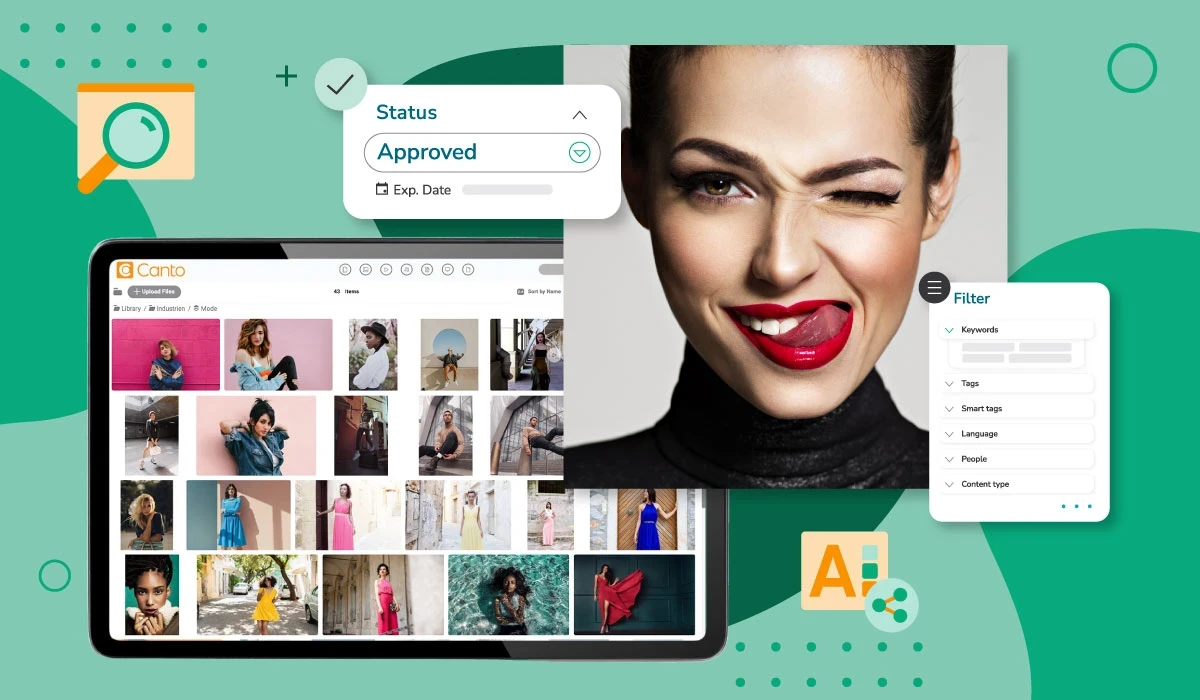
A practical shortlist for small firms
The seven platforms below represent different operating models rather than a single ranking.
Product functionality, commercial terms, support arrangements, and integrations can change, so a proof of concept should test the workflows you actually need.
Tool | Strongest fit | Consider it when | Question to test | Potential limitation |
|---|---|---|---|---|
Canto | Small and midsize teams | Ease of sharing, visual organisation, and permissions are priorities | Can external partners find approved material without training? | May not suit highly specialised enterprise workflow needs |
Brandfolder | Brand-led teams | Brand portals and controlled distribution are central | Can it support your brand hierarchy and partner access model? | Costs and advanced requirements need careful scope review |
Bynder | Larger or growing brand operations | You need mature governance and broad brand-management capability | Which features are included in the proposed tier? | May be more than a small team needs operationally or financially |
Cloudinary | Developer-led media operations | APIs, transformations, and web delivery matter alongside asset management | Can it connect cleanly to your CMS and build process? | Less natural for teams seeking only a simple brand portal |
Acquia DAM | Content-rich marketing organisations | DAM needs to sit close to content and digital experience workflows | Which CMS and creative integrations are essential? | Fit depends on the wider content stack |
Adobe Experience Manager Assets | Adobe-centred enterprise teams | Existing Adobe workflows and complex asset operations justify it | Can your team support implementation and administration? | Significant platform scope may exceed small-firm requirements |
MediaValet | Organizations prioritizing central control | Governance, search, and structured media management are needed | How does its permission model match your real groups? | Validate integration depth before committing |
Canto, Brandfolder, Bynder, Cloudinary, Acquia DAM, Adobe Experience Manager Assets, and MediaValet are frequently included in DAM vendor shortlists.
That does not make each one equally suitable. The best choice depends on whether your bottleneck is discovery, approval, external sharing, content delivery, or governance.
Community comments can provide useful questions but not reliable evidence of procurement.
In one practitioner discussion about DAM platforms, a participant described a Bynder deployment as costing more than $20,000 annually. That figure is unverified and lacks contract details, so it should not be treated as market pricing.
It does reinforce a sensible procurement rule: ask for the full commercial model before comparing vendors on subscription price alone.
Price the operating model, not just the license
There is no reliable UK-wide benchmark for the total cost of ownership of DAM. Quotes can vary materially based on storage, user types, asset volume, integrations, implementation support, and contract terms.
I would request a cost model that separates these components:
Cost area | What to ask suppliers | Why it matters |
|---|---|---|
Subscription | Named users, guest users, portals, feature tier | User definitions can materially change the quote |
Storage and delivery | Included storage, overages, CDN use, video processing | Media-heavy libraries can grow unpredictably |
Implementation | Configuration, taxonomy design, workflows, training | The platform is only useful when configured for real work |
Migration | File transfer, metadata mapping, duplicate handling, validation | Old folder structures often need cleanup before import |
Integrations | CMS, Adobe tools, e-commerce, SSO, API usage | Integration work may sit outside the license fee |
Ongoing administration | Support tier, metadata stewardship, user onboarding | Governance requires continuing ownership |
Exit | Export formats, API limits, retrieval charges, handover support | Leaving should not mean losing context around assets |
Fair warning: the cheapest subscription can become expensive if it requires manual downloading, resizing, renaming, and re-uploading across every publishing channel. Conversely, a broad enterprise suite can waste budget if its advanced workflow features remain unused.
Test implementation, migration, and exit before signing
Migration is not just a file-transfer exercise. A file may carry a name and folder path but lack a reliable owner, approval status, or rights record. Decide whether uncertain assets will be enriched, quarantined, archived, or excluded. Importing everything is rarely the safest choice.
Run a pilot using a meaningful subset, such as one campaign library plus a set of evergreen logo and photography files. Validate the following:
- Metadata imports into the intended fields without truncation or duplication.
- Version relationships remain clear after migration.
- Search retrieves the right assets using the language employees actually use.
- Permissions prevent an external test user from seeing restricted folders.
- Approved renditions download in the formats required for web, social, and print.
- The platform exports original files, metadata, relationships, and renditions in a documented form.
For UK public-sector buyers, G-Cloud may be a relevant route, but procurement should still test service-specific requirements.
There are centralised repositories, complex workflows, controlled access, auditability, and headless DAM. Ask how those capabilities apply to your data governance, accessibility, support, retention, and contract-exit requirements rather than assuming the listing resolves them.
Conclusion
Digital Asset Management Tools are worth considering when your organisation has a repeatable problem with finding, approving, protecting, or distributing valuable digital content.
The best platform is the one that supports the way your teams publish and collaborate while imposing only the governance needed to protect the business.
I would begin with an asset audit, define a small metadata model, identify rights-sensitive content, and run a pilot with real users.
A well-governed DAM can support brand guidelines in daily use rather than leaving them as a PDF that people rarely consult.
Over time, that controlled access to current assets is a practical foundation for brand consistency across every channel.
Questions people ask
What is a digital asset management tool?
A DAM is software that centralises digital files and adds structured metadata, permissions, version control, workflows, and controlled distribution. It is designed for reusable rich media and brand content, not merely file storage.
How is DAM software different from Google Drive, Dropbox, or SharePoint?
Those platforms can store and share files effectively. A DAM is more suitable when your team needs visual search, approved versions, rights metadata, asset-specific workflows, brand portals, or automated renditions. If folders and basic sharing already solve the problem, a DAM may be unnecessary.
Which DAM tool is best for a small marketing or creative team?
There is no universal winner. Canto and Brandfolder may suit teams prioritising straightforward sharing and brand access. Bynder may suit a more formal brand operation. Start with the workflows that fail today, then test those tasks in a pilot rather than selecting from a generic ranking.
Can a DAM manage video, audio, PDFs, and design files?
Many DAM platforms support a broad range of file types, but the ways they handle previewing, transcoding, rendition generation, and metadata can differ significantly. Confirm support for your largest video files, native design formats, PDFs, and any specialist assets before committing.
Should we choose built-in image and video transformation?
Choose it when teams or developers need automatic resizing, cropping, format conversion, compression, or responsive delivery across websites and apps. Avoid paying for advanced transformation capabilities if your primary need is a controlled internal asset library and occasional manual downloads.
How can we prevent the use of outdated or unlicensed assets?
Use lifecycle status, required rights fields, expiry dates, permission rules, approval workflows, and visible usage notes. The process should also define who investigates a rights issue, removes the asset from circulation, and tells users when replacement material is available.
What should UK organisations check before procuring a DAM?
Check procurement route, information security documentation, access controls, audit records, accessibility, support arrangements, data handling, integration requirements, retention, and export rights. Ask suppliers to demonstrate these areas using your scenarios, not a generic sales demonstration.