The 7 Best Blogging Platforms for Business Growth (Review)
Let’s get one thing straight before we dive into the technical mire: Content is the currency of the modern web, but your platform is the bank.
If you choose a bank that charges extortionate fees, locks the doors when you try to leave, or collapses under the weight of a few visitors, your currency becomes worthless.
I have watched countless entrepreneurs pour their hearts into content strategies, only to be hamstrung by a platform that wasn’t built for scale.
They pick what looks “pretty” or “easy” on day one, ignoring the technical debt that accumulates by day one hundred.
Whether you are a freelancer, a startup founder, or a scaling SME, the vehicle you choose to deliver your message is as critical as the message itself.
It impacts your SEO, your user experience (UX), and ultimately, your ability to convert readers into clients.
If you are serious about building your personal brand, you need a platform that offers stability, ownership, and design fidelity.
Here is the unvarnished truth about the top 7 blogging platforms available today, viewed through the lens of a design and marketing consultancy.
- Choose owned platforms (self‑hosted WordPress or Ghost) to retain control, portability, and long‑term SEO value.
- Invest in quality hosting and optimise Core Web Vitals — infrastructure often matters more than the CMS choice.
- Use social platforms (Medium, LinkedIn) for distribution only; keep canonical content on your main domain.
The “Rent vs. Own” Philosophy
Before looking at the specific tools, we must address a fundamental concept in digital strategy: Digital Sharecropping.
If you build your primary blog on a social network or a closed-garden system (where you cannot access the source code or easily export your data), you are a sharecropper. The landlord (the platform) owns the land. They can raise the rent, change the rules, or evict you without notice.
Our Rule of Thumb:
Never build your primary asset on rented land. Use rented land (Social Media, Medium, LinkedIn) to distribute content, but use owned land (Self-Hosted WordPress, Ghost) to house it.
1. WordPress.org (The Heavyweight Champion)

Best For: Serious business owners, designers, and anyone who wants total control.
Let’s clarify the confusion immediately: There is WordPress.com (a hosting service, often limited) and WordPress.org (the open-source software you install on your own hosting). We are talking about the latter. It powers over 40% of the web for a reason.
The Technical Architecture
WordPress is built on PHP and MySQL. While critics refer to this as “legacy tech,” it is battle-hardened. Because it is open-source, you have access to every single line of code. This means that if you need a specific feature—such as a custom calculator for your mortgage brokerage or a bespoke booking engine for your salon—it can be built.
The Designer’s Perspective
From a design standpoint, WordPress is a blank canvas. While it can be clunky out of the box, the ecosystem of themes and page builders (like Elementor, Bricks, or Oxygen) allows for pixel-perfect control.
However, the real power lies in “Headless WordPress”. This is where we use WordPress strictly for content management (the back end) but build the front end with modern JavaScript frameworks like React or Next.js. This gives you the ease of editing with the blistering speed of a modern app.
The SEO Reality
Google speaks WordPress fluently. The URL structures are logical. The meta-tagging capabilities (via plugins like RankMath or Yoast) are industry standard. Furthermore, the ability to implement complex Schema Markup (code that helps Google understand your content is a “Recipe,” “Event,” or “Review”) is unmatched.
The Hidden Cost: Hosting
Because you self-host, performance is your responsibility. If you put a WordPress site on a $3/month shared server, it will be slow and vulnerable to hacks. You must budget for Managed WordPress Hosting (like WPEngine, Kinsta, or Flywheel), which handles caching, security, and backups for you.
Pros:
- Absolute Ownership: You own the code and the database.
- Scalability: Can handle 10 visitors or 10 million (with the right server).
- Integrations: Connects to every CRM, Email tool, and Payment gateway on earth.
Cons:
- Maintenance: You must update plugins and core files.
- Bloat Risk: It is easy to “break” your site by installing too many low-quality plugins.
The Verdict: If you are building a business asset, this is the default professional choice.
2. Ghost (The Purist’s Choice)
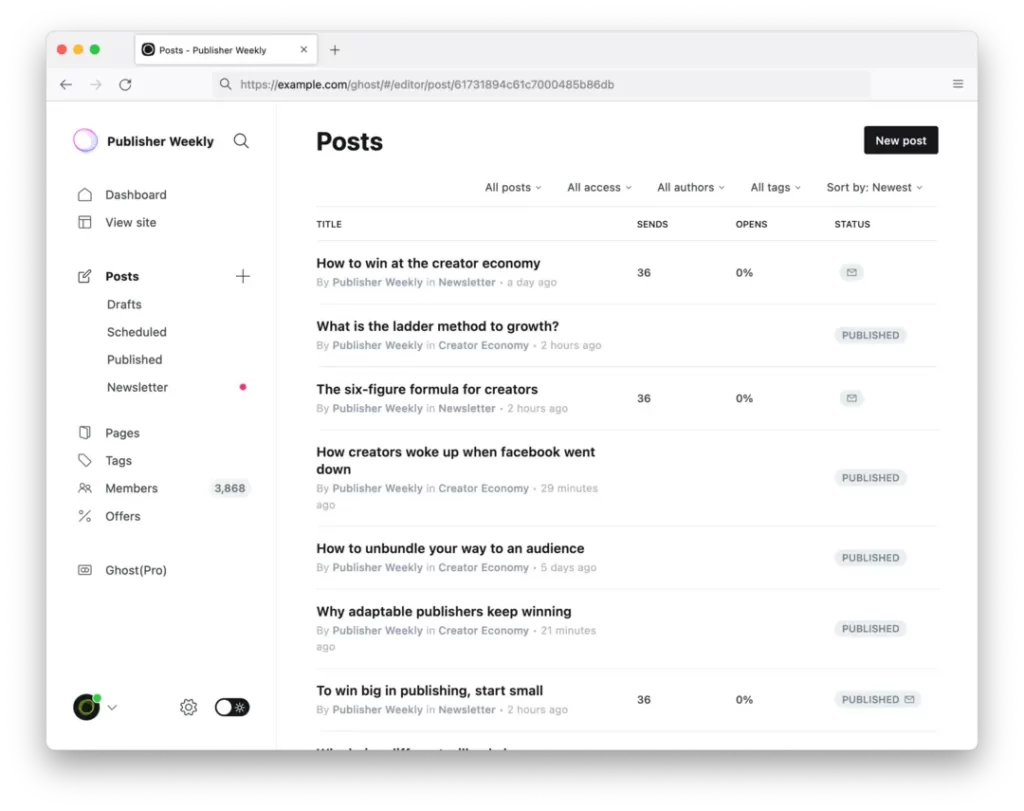
Best For: Thought leaders, journalists, and paid newsletters.
Ghost was born out of frustration with WordPress becoming too complex. It is a platform focused entirely on one thing: Publishing.
Under the Hood: Node.js Speed
Unlike WordPress (built on PHP), Ghost is built on Node.js. Without getting too technical, this means it is incredibly fast and handles concurrent connections efficiently. It is designed for the modern web.
The “Creator Economy” Native
Ghost’s killer feature is that Membership and Subscriptions are built in. You do not need a plugin to sell a newsletter; it is the core function of the platform. You connect your Stripe account, and you can start charging for content immediately.
The Trade-Off
Ghost is opinionated. It forces you into a specific workflow. While you can customise themes (using Handlebars.js), it is not a “drag-and-drop” experience. You generally write in Markdown. If you want a website that looks exactly as you envisioned, you will need a developer.
Pros:
- Speed: Blisteringly fast out of the box.
- Monetisation: Zero transaction fees on memberships (unlike Substack).
- Clean Writing Experience: No clutter, just text.
Cons:
- Limited Ecosystem: Far fewer plugins and themes than WordPress.
- Technical Barrier: Self-hosting Ghost is more challenging than WordPress; most users opt for Ghost (Pro) hosting.
The Verdict: If your business model involves selling content (such as newsletters or memberships) rather than services delivered through content, Ghost is superior to WordPress.
3. Medium (The Social Network)
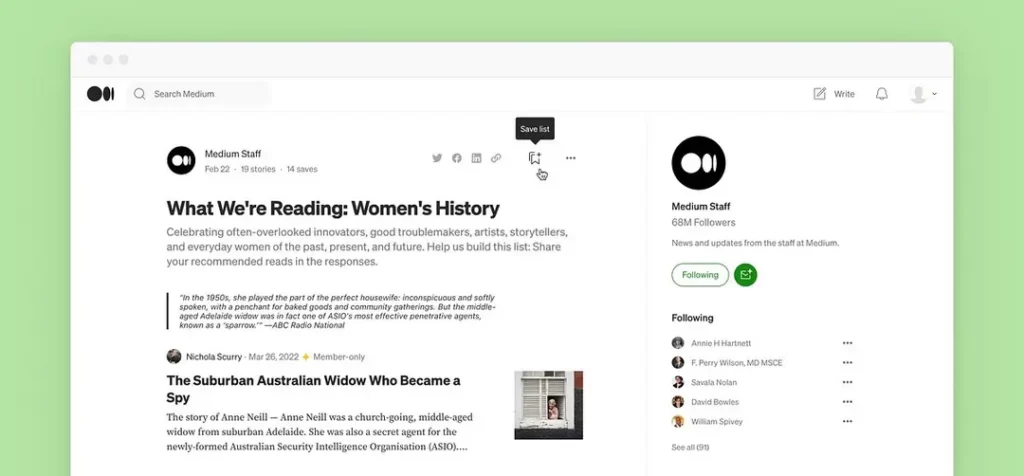
Best For: Syndication and reach, NOT as a primary home.
Medium is not a website builder; it is a community. It has a built-in audience of millions. However, using Medium as your only blog is a strategic error.
The “Walled Garden” Problem
When you post on Medium, you are boosting Medium’s SEO, not yours.
- You cannot install a Facebook Pixel or Google Analytics to retarget readers.
- You cannot customise the branding beyond a logo and a header image.
- You are essentially writing guest posts for a tech giant.
The Syndication Strategy
Use Medium for Distribution. Publish your article on your own site first (to establish the Canonical URL, telling Google “This is the original”), then repost it to Medium a week later with a link back to the original. This taps into their audience without sacrificing your authority.
4. Squarespace (The Designer’s ‘Lite’ Option)

Best For: Portfolios, artists, and restaurants who need “set and forget.”
Squarespace is the Apple of website builders: closed ecosystem, beautiful design, slightly overpriced, but it just works.
The Aesthetic Trap
Squarespace templates are stunning and award-winning. But they are also rigid. As a business owner, you might find yourself fighting the template to move a button three pixels to the left. The “Fluid Engine” editor has improved this, but it still lacks the granular control of a custom build.
The SEO Ceiling
Historically, Squarespace had terrible SEO. They have improved significantly, but they still lag behind WordPress in technical capabilities. Core Web Vitals performance (specifically Largest Contentful Paint) can be sluggish due to the heavy JavaScript the platform loads to enable those animations.
The Verdict: Excellent for a visual portfolio with a blog attached. Less ideal for a content-heavy media empire or aggressive lead generation.
5. Wix (The DIY Sandpit)
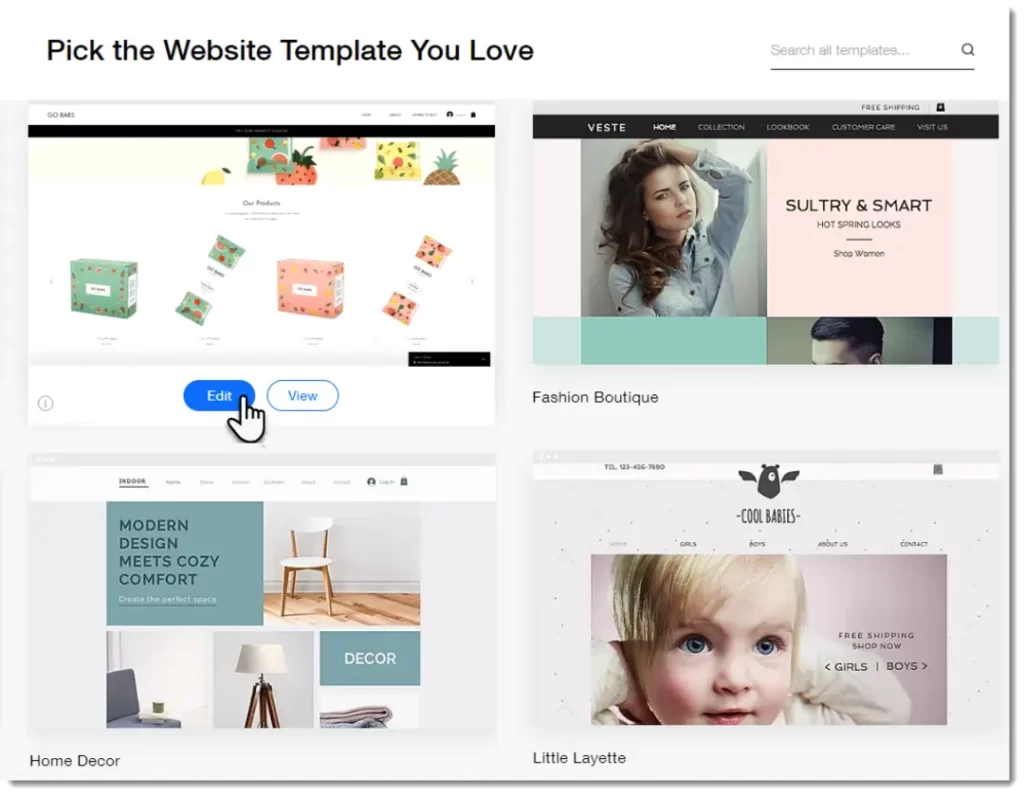
Best For: Absolute beginners or local small businesses validating an idea.
I have a difficult relationship with Wix. On the one hand, their editor is technically impressive. On the other hand, it encourages “design anarchy.” Just because you can put a spinning GIF over your navigation bar doesn’t mean you should.
The Migration Nightmare
This is the primary reason we advise scaling businesses to steer clear of Wix.
Scenario: You build on Wix. You grow to £500k in revenue. You need custom CRM integration and advanced schema markup. You realise Wix can’t do it. You ask to move to WordPress.
The Reality: Wix does not export content cleanly. Migration is often a manual, copy-paste nightmare involving URL redirects, broken images, and lost SEO rankings. You effectively have to rebuild from scratch.
The Verdict: Use it to validate an idea quickly. Move off it once you have revenue.
6. Shopify (The E-commerce Hybrid)
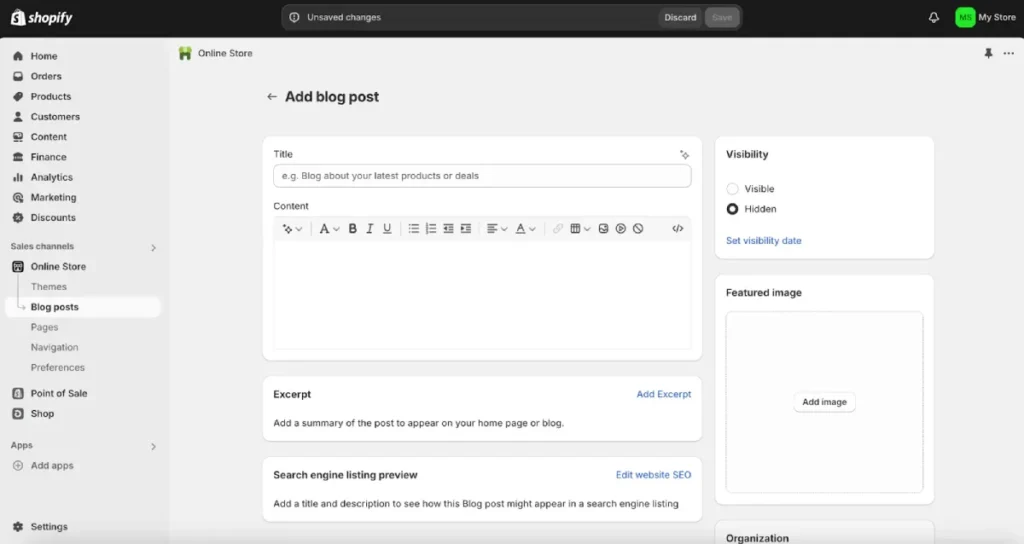
Best For: Product-based businesses.
If you sell physical goods, you are likely on Shopify. It comes with a built-in blogging engine.
The “Good Enough” Solution
Shopify’s blog is rudimentary.
- It lacks categories (it uses tags only).
- The URL structure is rigid (forced into /blogs/news/article-name).
- The text editor is basic.
However, do not host your store on Shopify and your blog on WordPress on a subdomain (https://www.google.com/search?q=blog.yoursite.com) unless you have a massive budget. Keeping the blog on the main domain passes “link equity” to your product pages. When a blog post goes viral and receives backlinks, your product pages tend to rank higher.
The Verdict: If you are on Shopify, stick with the built-in blog. The SEO benefits of domain consolidation outweigh the potential drawbacks.
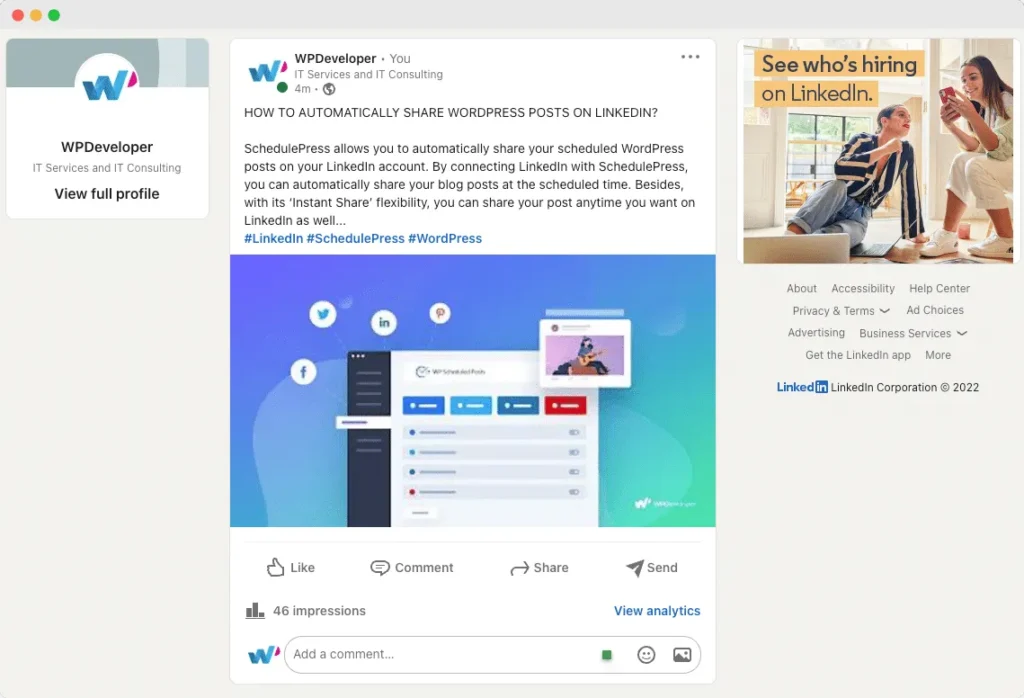
7. LinkedIn Articles (The B2B Network)
Best For: B2B Service Providers and Consultants.
Similar to Medium, this is a social platform, but the context is strictly professional.
The “Pulse” Algorithm
LinkedIn’s organic reach fluctuates wildly, but articles here signal direct competence to your network. Unlike a status update, which disappears in 24 hours, Articles stay on your profile permanently.
Strategy Integration
If you are selling high-ticket consulting or design services, write “opinion pieces” on LinkedIn that challenge industry norms. Keep the “How-To” guides for your main website. LinkedIn is for Thought Leadership; your website is for Education and Conversion.
Critical Comparison: The “Inkbot Verdict” Matrix
We evaluate platforms based on three metrics: Control (Can you change the code?), Growth (SEO and Marketing tools), and Ease (Setup difficulty).
| Platform | Control | Growth (SEO) | Ease | Best Use Case |
| WordPress.org | ⭐⭐⭐⭐⭐ | ⭐⭐⭐⭐⭐ | ⭐⭐ | The Business Standard |
| Ghost | ⭐⭐⭐⭐ | ⭐⭐⭐⭐ | ⭐⭐⭐ | Paid Newsletters / Writers |
| Squarespace | ⭐⭐ | ⭐⭐⭐ | ⭐⭐⭐⭐ | Visual Portfolios |
| Wix | ⭐⭐ | ⭐⭐ | ⭐⭐⭐⭐⭐ | Small Local Biz |
| Shopify | ⭐⭐ | ⭐⭐⭐ | ⭐⭐⭐⭐ | E-commerce |
| Medium | ⭐ | ⭐ | ⭐⭐⭐⭐⭐ | Syndication Only |
The Hidden Technical Infrastructure
Choosing the software is only half the battle. The infrastructure beneath the software dictates your success.
1. Hosting Matters More Than You Think
If you choose WordPress, your host is your foundation.
- Shared Hosting (Bluehost, GoDaddy): Like living in a crowded dormitory. If your neighbour has a loud party (traffic spike), you can’t sleep (your site crashes).
- Managed Hosting (WPEngine, Kinsta): Like a private penthouse. Dedicated resources, automatic security patching, and caching at the server level.
- Inkbot Advice: Never pay less than $20/month for business hosting. Cheap hosting is one of the most expensive mistakes you can make when your site goes down during a launch.
2. Core Web Vitals & User Experience
Google’s ranking factors now heavily weigh “Page Experience.” This includes:
- LCP (Largest Contentful Paint): How fast the main content loads.
- CLS (Cumulative Layout Shift): Does the page jump around as it loads?
Platforms like Wix and Squarespace often struggle with CLS due to the way they dynamically inject scripts. WordPress, when optimised correctly, can achieve perfect 100/100 scores.
If your current site is sluggish or your bounce rates are high, it might not be your writing—it might be your infrastructure. This is where our Digital Marketing Services come into play. We don’t just look at keywords; we also examine the code bloat that prevents those keywords from ranking effectively.
Future-Proofing: AI and The Semantic Web
We are entering an era where search engines (via AI Overviews and SGE) are becoming “Answer Engines.” They are reading your content and synthesising answers for users.
To survive this, your platform must output Structured Data.
- Does your platform clearly tag the “Author”?
- Does it tag the “Date Modified”?
- Does it allow for “FAQ Schema”?
WordPress excels here. With plugins, you can wrap your content in metadata that explicitly tells AI bots what your content means. Closed platforms like Squarespace and Wix are often black boxes—you simply hope they have implemented the schema correctly (often they haven’t).
Build Your Castle, Don’t Rent a Room
The digital landscape is littered with the corpses of businesses that relied entirely on Facebook pages or Instagram algorithms. When those platforms shifted, those businesses vanished.
A blog on a self-hosted platform is an asset. It is digital real estate that appreciates over time as you pour content and backlinks into it. It is an archive of your expertise that works for you while you sleep.
Our final advice?
If you are serious about growth, accept the slight learning curve that comes with WordPress. If you want to write and get paid directly by readers, choose Ghost. If you just need a brochure, Squarespace is fine.
But whatever you do, start writing. The algorithm favours the active.
Can we help you build it?
If you are ready to move beyond generic templates and build a high-performance digital platform that converts visitors into clients, we should talk.
Request a Quote for a bespoke website design or digital marketing audit today.
Frequently Asked Questions (FAQs)
Is WordPress really free?
The software is free (open source), but the infrastructure is not. You must pay for hosting, a domain name, and premium plugins. Realistically, budget $30–$50/month for a professional setup.
Can I move my blog from Wix to WordPress later?
Yes, but it is painful. Automated tools exist, but they often break formatting and images. We usually treat Wix-to-WordPress migrations as full rebuilds. It is better to start on the platform you intend to scale with.
Why do designers hate Wix?
It generates “bloated” code that is hard for search engines to crawl efficiently, and it restricts the designer’s ability to use custom CSS/HTML for bespoke functionality.
Is Medium good for SEO?
It is good for Medium’s SEO. Your article might rank, but it ranks on Medium.com, not YourBusiness.com. This does not build your domain authority.
Do I need to know how to code to use WordPress?
What is the best platform for a newsletter?
Ghost is currently the market leader for combining a blog with a paid newsletter, offering a better fee structure and more design control than Substack.
How often should I blog for business growth?
Consistency beats frequency. One high-quality, data-rich article every two weeks is better than three fluffy 500-word posts a week.
Does Shopify handle blogging effectively for SEO purposes?
It is “okay.” It lacks advanced features like custom permalinks (forcing a blogs/news/ structure), but for e-commerce, keeping the blog on the same domain is the priority.
What is a “Headless” CMS?
This is an advanced setup where the content resides in one location (such as WordPress), but the website is displayed using a different technology (e.g., React). It is fast and secure, but expensive to build and maintain.
Should I use a subdomain (blog.site.com) or a subdirectory (site.com/blog)?
Always use a subdirectory (site.com/blog). This ensures the “link juice” (SEO authority) from your blog benefits your main product pages and vice versa. Google treats subdomains as almost entirely separate websites.
What is the biggest mistake people make with blogging platforms?
Choosing a platform based on the initial price (Free) rather than the long-term value (Ownership and SEO capabilities).
How do I attract traffic to my blog once I’ve chosen a platform?
You need a mix of SEO (writing for intent) and distribution (utilising social media and email lists). A platform is just the engine; you still need fuel. Check our Digital Marketing Services for help with this.


