Digital Marketing Toolkit: 100+ Must-Haves
To be a digital marketer today is to wear an impressive variety of hats.
You must be a creative data analyst, community manager, campaign strategist, and salesperson all at once.
Thousands of tools claim they can help, but which ones do you need? Here’s a checklist of over 100 of our essential digital marketing tools to get you started!
- Unified Marketing Stack: Choose an All-in-One suite or Best-of-Breed stack and maintain a Golden Thread to avoid a Data Swamp.
- Integration & Workflows: Ensure data flow, identity resolution, and automation between ad platforms, CRM, analytics, and Slack notifications.
- First-Party & Server-Side Tracking: Implement server-side tagging and first-party data to fix attribution gaps and bypass blockers.
- SEO for AI: Optimise entities with schema, monitor zero-click impressions, and track Share of Model for AI overviews.
- AI Agents & No-Code Automation: Use agent-native tools and no-code workflows to automate lead research, outreach, and integration logic.
Building Your Marketing Ecosystem
A high-performing marketing toolkit is no longer just a collection of software; it is a Unified Marketing Stack.
The average mid-market team uses 12–15 distinct platforms. Without a “Golden Thread” connecting these, you risk creating a Data Swamp—where your Salesforce CRM says one thing, but your Google Analytics 4 (GA4) dashboard says another.
To avoid structural friction, you must choose between two primary architectures:
- The All-in-One Suite: Platforms like HubSpot or Adobe Experience Cloud offer native integration across email, CMS, and CRM. This is ideal for teams prioritising speed and a single source of truth.
- The Best-of-Breed Stack: Combining specialised tools like Webflow for design, Klaviyo for email, and Segment as a Customer Data Platform (CDP). This offers superior performance but requires an automation “glue” like Zapier or Make.com.
The Integration Workflow Checklist:
- Data Flow: Does your ad spend data from Meta Ads Manager flow directly into your CRM to calculate true Customer Acquisition Cost (CAC)?
- Identity Resolution: Can you track a user from an anonymous WordPress blog visit to a lead conversion in Pipedrive?
- Automation: When a lead is marked “Closed-Won,” does an automated Slack trigger notify the team and update your Looker dashboard?
Website Creation Tools

Some digital marketers find success exclusively through social media, but it’s generally better to have a dedicated website and online storefront tailor-made for your brand.
You don’t even need to pay exorbitant developer fees, as website builders offer ready-made yet endlessly tweakable solutions to get your online HQ up and running in no time.
Here’s a list of 20 popular website creation tools:
- WordPress
- Wix
- Squarespace
- Shopify
- Webflow
- Weebly
- Elementor
- Duda
- GoDaddy Website Builder
- Zyro
- Jimdo
- Site123
- Carrd
- Strikingly
- Notion
- Ghost
- Bubble
- Framer
- Tilda
- Webnode
These tools cater to a range of needs and skill levels, from beginners to advanced users.
Social Media Management Tools
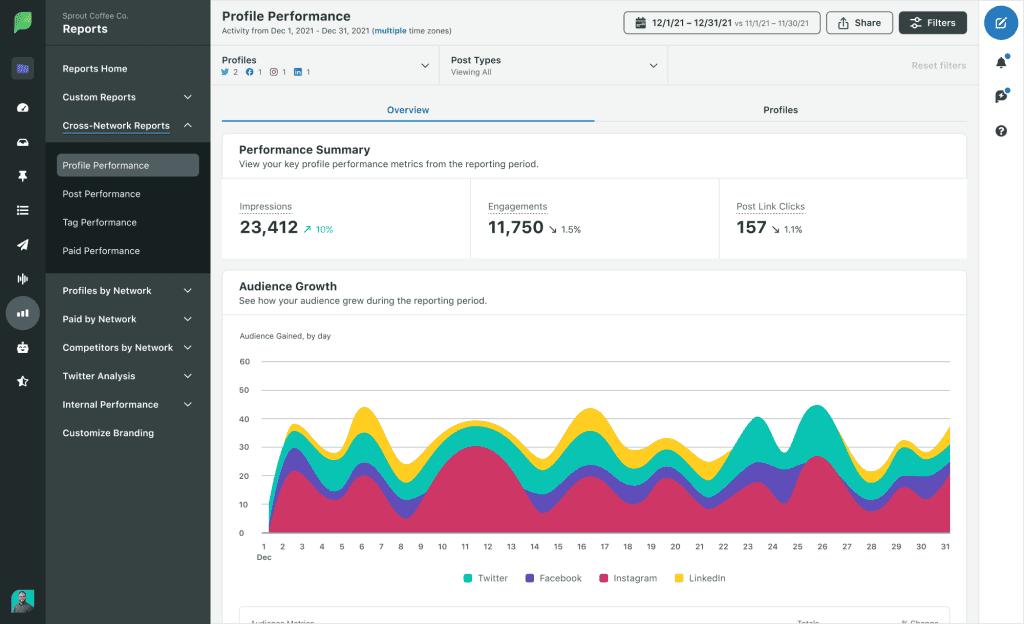
Engaging on various social media platforms is essential for creating a buzz about your brand, but juggling accounts takes time and effort.
Social media management tools save the day by providing a unified interface for all your accounts and interactions with followers.
Better yet, they simplify automated posting and have many analytics tools to help you maintain brand consistency and exceed expectations.
Here’s a list of 20 popular social media management tools:
- Hootsuite
- Sprout Social
- Buffer
- Later
- Agorapulse
- Sendible
- Crowdfire
- Socialbakers
- Falcon.io
- Tailwind
- Loomly
- Planoly
- MeetEdgar
- Iconosquare
- Keap (formerly Infusionsoft)
- Zoho Social
- SocialPilot
- Metricool
- Planable
- eClincher
These tools offer various features such as scheduling posts, analytics, content curation, team collaboration, and multi-platform management.
Digital Advertising Platforms (PPC & Paid Social)
Paid ads reach ready-to-buy audiences quickly.
You control budgets, placements, and measurable outcomes.
Cross-channel managers simplify optimisation and reporting.
They complement organic growth with predictable scale.
Here’s a list of 10 popular digital advertising platforms:
- Google Ads
- Microsoft Advertising
- Meta Ads Manager
- LinkedIn Campaign Manager
- TikTok Ads Manager
- X Ads (formerly Twitter Ads)
- Pinterest Ads
- Snapchat Ads Manager
- Reddit Ads
- Amazon Ads
Expect audience targeting, automated bidding, and broad placements.
Use first-party and enhanced conversions for accuracy.
Apply brand safety filters and placement exclusions.
Performance Max blends formats with goal-based bidding.
Set frequency caps to protect ad recall.
Exclude converters to avoid waste in prospecting.
CRM Platforms & Email Marketing Tools
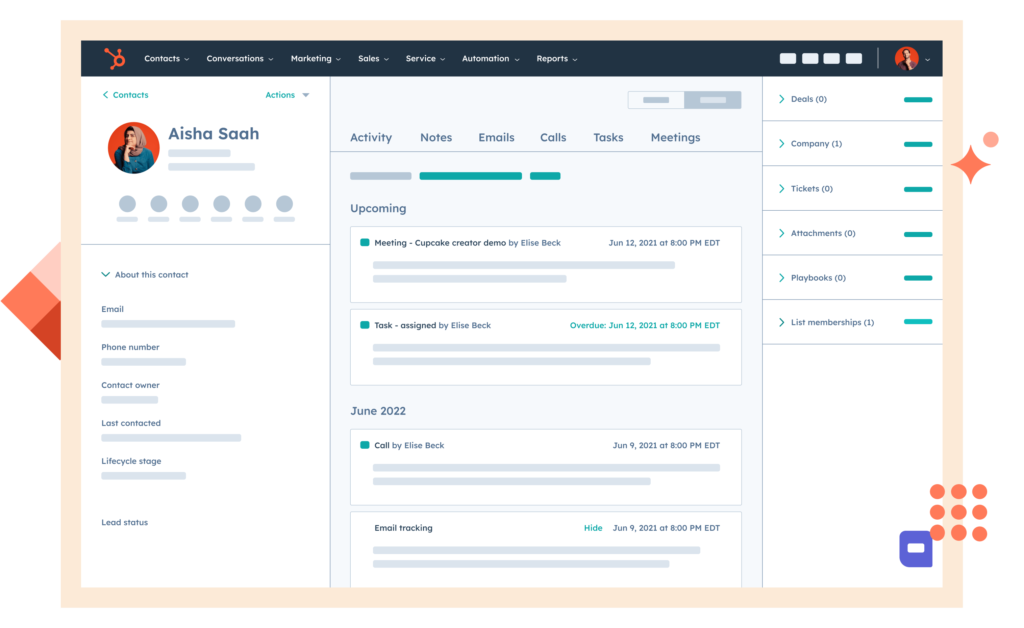
Customer relationship management is central to attracting new leads and nurturing existing customer relationships.
They collect and track all contact interactions, helping you identify prospects and nudging indecisive leads into becoming supporters.
Scheduling appointments and implementing an easy ticket system are also must-have features.
Some CRMs double as email marketing tools, but there are standalone versions.
You’ll need one either way since email marketing continues to outperform every other channel in terms of ROI and attracting the right audience.
The right tools will aid you in this by helping you design email campaigns, streamline segmentation & A/B testing, and automate rote yet essential tasks like follow-up messages.
Here’s a list of 20 popular CRM platforms and email marketing tools:
- Salesforce
- HubSpot
- Mailchimp
- ActiveCampaign
- Zoho CRM
- Pipedrive
- Constant Contact
- Brevo (formerly Sendinblue)
- Freshsales
- Keap (formerly Infusionsoft)
- Klaviyo
- Drip
- Monday.com
- Zendesk Sell
- ConvertKit
- Nutshell
- Copper
- Moosend
- Agile CRM
- Omnisend
This list includes dedicated CRM platforms and tools combining CRM functionality with email marketing capabilities. Some are better suited to small businesses, while others cater to enterprise-level needs.
A Password Manager
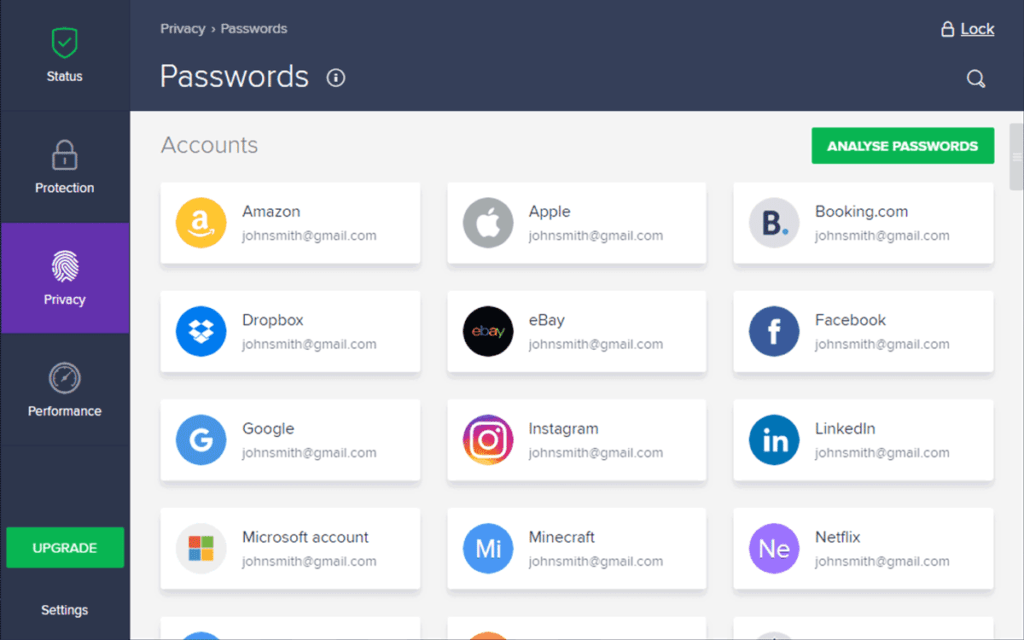
As your digital marketing tech stack grows, so does the number of accounts your team members need to juggle.
A password manager suitable for business significantly improves cybersecurity by speeding up unique password generation and logins through secure autofill.
Their encrypted vaults also come in handy for storing and safely sharing sensitive information, such as business credit card details or PINs, helping eliminate annoying process bottlenecks.
Here’s a list of 10 widely regarded password managers:
- LastPass
- 1Password
- Bitwarden
- Dashlane
- KeePass
- NordPass
- Keeper
- RoboForm
- LogMeOnce
- Enpass
These managers offer secure password generation, encrypted storage, cross-device syncing, and autofill capabilities. Some are cloud-based, while others offer local storage options.
SEO in the Era of AI Overviews and Search Generative Experience

Search in 2026 is no longer defined by simple rankings. With AI Overviews (formerly SGE) and agents like Perplexity or Gemini synthesising answers, your toolkit must pivot from keyword chasing to Entity Optimisation.
Tools like Semrush and Ahrefs have evolved to track “Share of Model”—the frequency with which your brand is cited as a primary source in AI-generated summaries. To stay competitive, your SEO toolkit must now support:
- Schema Markup & Structured Data: Use Schema App or Rank Math to explicitly define entities (Founders, Products, Prices) so AI agents can “read” your brand’s architecture.
- Zero-Click Analytics: Monitor Google Search Console for “Impressions without Clicks.” This often indicates your content is being used to fuel an AI summary. The goal is to ensure your brand name is the “cited entity” within that summary.
- Technical Health: Search engines now prioritise “Experience Signals.” Use Screaming Frog to audit your Core Web Vitals, ensuring your site loads fast enough for AI crawlers to index your latest updates in near real-time.
| Tool | Core 2026 Use Case | Key Entity Managed |
| Semrush | Share of Model tracking | Brand Authority |
| Surfer SEO | Content relevance for LLMs | Semantic Context |
| Schema App | Knowledge Graph integration | Organisational Entities |
| Google Search Console | AI Overview visibility | Interaction Data |
A/B Testing & Personalisation Tools
Experiments cut waste and lift conversion rates.
Test copy, UX patterns, and pricing safely.
Personalisation adapts content to intent and context.
Server-side testing avoids flicker and ad blockers.
Here’s a list of 10 A/B testing and personalisation tools:
- Optimizely
- VWO
- AB Tasty
- Adobe Target
- Dynamic Yield
- Kameleoon
- Convert.com
- SiteSpect
- LaunchDarkly
- GrowthBook
These support client and server-side experimentation reliably.
Feature flags decouple releases from deployments.
Holdouts quantify incrementality across channels.
Sequential testing helps reduce peeking bias.
Export results to your data warehouse.
Guardrail metrics protect uptime and revenue.
Marketing Analytics Platforms

Using so many tools creates a large amount of data, and even though many offer built-in analytics, they don’t interact with each other.
Dedicated marketing analytics platforms bridge the gaps and provide a holistic overview of all your marketing efforts.
They’re indispensable for identifying successful and floundering strategies, conducting competitor analysis, and visualising data for stakeholders.
Most importantly, analysing all this data helps to identify and capitalise on trends.
Here’s a list of 10 highly regarded marketing analytics platforms:
- Google Analytics 4 (GA4)
- Adobe Analytics
- Mixpanel
- Amplitude
- Looker
- Tableau
- Heap
- Kissmetrics
- Segment
- Hotjar
GA4 uses an event model with Consent Mode.
Enable BigQuery export for raw events.
These platforms offer various capabilities for tracking, analysing, and visualising marketing data across different channels. They range from comprehensive enterprise solutions to more specialised tools focusing on specific aspects of marketing analytics.
The Death of the Cookie: Solving the Attribution Crisis
The biggest challenge for the 2026 marketer is “The Black Box.” When a user sees an ad on TikTok, researches on Google, and finally buys through an email in Mailchimp, traditional browser tracking often fails.
To bridge this gap, your toolkit must include Server-Side Tracking. By using Google Tag Manager (Server-Side) or Tealium, you move data processing from the user’s browser to your own server. This bypasses ad blockers and provides “cleaner” data to platforms like Meta Ads Manager.
Advanced Attribution Tools: For high-spend teams, standard analytics aren’t enough. Tools like Northbeam and Cometly use AI to provide Multi-Touch Attribution (MTA). They look at the entire journey to determine which channel actually deserves credit for a sale.
- The Incrementality Test: Run “Holdout” tests in Optimizely. By stopping ads for a specific region, you can see if your Google Ads are actually driving new sales or just “poaching” customers who would have bought organically anyway.
Tag Management & Server-Side Tracking
Tags drive analytics, ad pixels, and consent.
Server-side routing trims bloat and improves control.
Teams gain cleaner data and faster page load times.
Here’s a list of 5 tag management tools:
- Google Tag Manager (server-side tagging support)
- Tealium iQ Tag Management
- Adobe Experience Platform Tags (formerly Launch)
- Piwik PRO Tag Manager
- Commanders Act (TagCommander)
Use a first-party subdomain for the server.
Centralise tags, cut latency, and improve data quality.
Consent Management Platforms (CMPs)
Consent banners protect privacy and user trust.
CMPs record consent proofs for audits and regulators.
They integrate with tag managers for enforcement.
Here’s a list of 5 consent management platforms:
- OneTrust
- Usercentrics
- Cookiebot by Usercentrics
- TrustArc
- Didomi
They support compliance with GDPR, ePrivacy, CCPA, and CPRA.
Most CMPs support IAB TCF v2.2 signals.
Store timestamped consent logs for audits.
Respect geo-specific rules for US states.
A VPN
Since practically everything around it is based online, it’s not hard to do a digital marketer’s job remotely.
While convenient, this can introduce security problems if team members access confidential company resources through unsafe networks.
Good VPNs (check the list of their features on Reddit’s VPN comparison table) provide marketers with twofold benefits.
On the one hand, they encrypt and secure internet connections, allowing users to communicate and transfer data anonymously.
On the other hand, their ability to bypass geo-restrictions is excellent for accessing regionally restricted content or simulating customers’ experiences in different world markets.
Here’s a list of 10 widely recognised VPN tools:
- ExpressVPN
- NordVPN
- Surfshark
- CyberGhost
- iProVPN
- Private Internet Access (PIA)
- Mullvad
- TunnelBear
- Windscribe
- IPVanish
These VPN services offer various features such as encryption, anonymous browsing, IP masking, and access to geo-restricted content. They differ in server locations, speed, privacy policies, and additional security features.
Beyond Chatbots: Implementing AI Agents
In 2026, the leading marketing toolkits are “Agent-Native.” We have moved past simple generative text to AI Agents that can execute tasks. For example, using OpenAI’s AgentKit or HubSpot Breeze, you can deploy an agent that:
- Scans your LinkedIn mentions for leads.
- Researches the lead’s company using Clearbit.
- Drafts a personalised outreach email in Jasper.
- Schedule a follow-up in your CRM if they don’t reply within 3 days.
The “Vibe Coding” Revolution: Marketers are now using “no-code” tools like Zapier Central to build custom mini-apps. You no longer need a developer to connect Shopify to Klaviyo in a complex way; you simply describe the workflow in natural language, and the AI builds the integration logic.
Concluding our Digital Marketing Toolkit
Digital marketing is dynamic, creative, and stressful work that can make a genuine positive impression on the people whose lives it touches.
Master the digital marketing toolkit here and harness its power, and you’ll be sure to become one of the best in this dynamic field.
FAQs
How do I choose between WordPress and Webflow for SEO in 2026?
WordPress remains the king of flexibility, especially when paired with plugins like Rank Math for deep entity schema. However, Webflow often offers superior “out-of-the-box” performance and clean code, which are critical for Core Web Vitals. For content-heavy sites, choose WordPress; for high-end design with minimal technical debt, go with Webflow.
Can AI agents replace my marketing agency?
AI agents excel at “commodity” tasks such as reporting, basic copywriting, and campaign scheduling. However, agencies in 2026 provide value through strategic orchestration, brand positioning, and human-in-the-loop creative direction that AI cannot replicate. Use AI to automate the work, use humans to provide the wisdom.
Why is GA4 showing different data than my eCommerce platform (e.g., Shopify)?
This discrepancy is usually caused by browser-side tracking issues, such as ad blockers or strict cookie consent. In 2026, the only way to align these numbers is through Server-Side GTM or a CDP like Segment, which ensures conversions are recorded on the server rather than the user’s browser.
What is “Zero-Click Search” and how do I track it?
Zero-click search occurs when a user gets their answer directly on the Google results page via an AI Overview. You can track this in Google Search Console by comparing total impressions for a keyword against the actual clicks received. Deep impressions with low clicks often mean you are winning the “Entity” slot in the AI summary.
Is 1Password or Bitwarden better for marketing teams?
Both are excellent, but 1Password is often preferred for larger teams due to its superior “vault” sharing and integration with Slack for secure credential management. Bitwarden is the top choice for security-conscious teams who prefer open-source transparency.

