Strategic Web Design
Performance-Driven, Brand-Led Digital Experiences.
Your brand needs a soul. We don't just “build websites”—we craft custom-engineered digital assets that command market authority. No shortcuts, no generic themes. Just pure, brand-led strategy designed to turn visitors into loyal advocates.
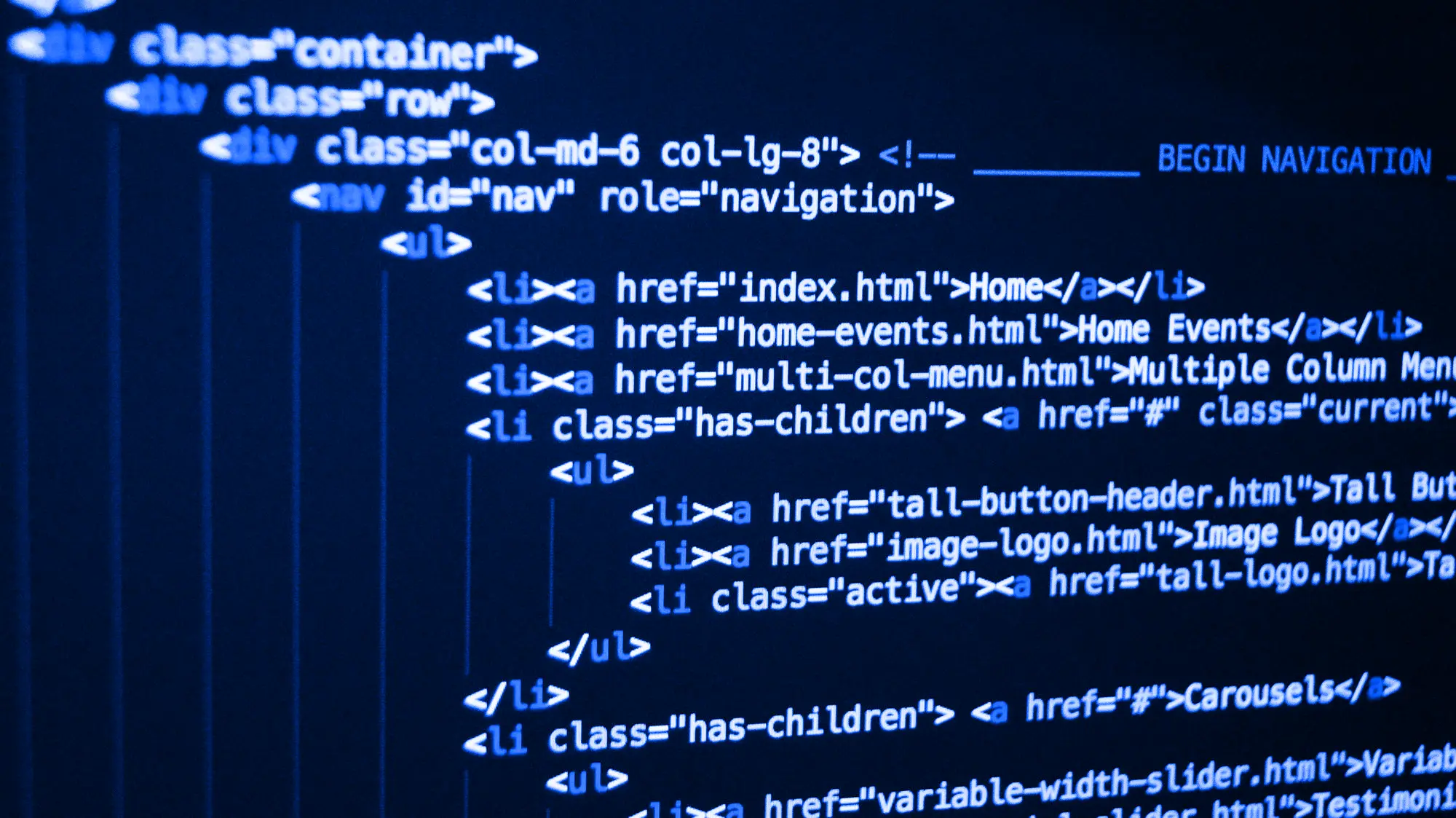
UK Web Design Agency
Digital Craftsmanship for Strategic Brands.
The world doesn’t need another template-based website. Your digital presence is either a liability or your greatest asset. There is no middle ground.
At Inkbot Design, we specialise in the “And.” We provide a site that is Brand-Led AND Performance-Driven. By fusing deep-level brand strategy with intentional UX, we create bespoke digital experiences that remove friction and inspire action. We don’t just build pages; we build the authority your business needs to lead its industry. If you’re done with “AI-generated” and ready for “Expert-Led,” you’re in the right place.



A powerful brand strategy is only as effective as its digital execution. We translate your core identity into a high-performing, custom-engineered website that ensures every click, scroll, and interaction reinforces your market authority.
Take the Authority →Why Partner With Us?
The Inkbot Difference: Strategy That Performs.
Stop renting your digital presence. Own it. While “off-the-shelf” agencies focus on getting you online, we focus on getting you ahead. We don't just build websites; we engineer high-performance business assets designed to amplify your authority and outpace your competition. Here is the strategic foundation of every Inkbot project:
Strategy
Strategy-First Architecture
The Goal: Brand Alignment. A stunning website is a wasted investment if it doesn't speak your brand’s language. We don’t just “design pages”—we translate your unique market positioning into a digital experience. By weaving your brand’s DNA into the site's very fabric, we ensure every interaction builds immediate trust and reinforces your status as a market leader.
Scalable
Precision-Engineered.
The Goal: Zero Compromise. Generic templates and AI builders don’t just look “samey”—they actively dilute your brand’s premium value and cap your growth. We build 100% bespoke digital environments from the ground up. This “clean-code” approach gives you total creative freedom, lightning-fast performance, and a scalable platform that evolves alongside your business, not against it.
Trust
Psychology-Driven Conversion
The Goal: Measurable Results. Beautiful design gets attention; strategic design gets results. We look beyond the surface, applying advanced behavioural psychology and “favour-the-user” UX to guide visitors exactly where you want them to go. By removing friction and creating intuitive pathways to action, we transform your website from a passive brochure into your most effective 24/7 sales tool.
Our Core Capabilities
A bespoke website is a meticulously engineered ecosystem.
Templates are for blending in. To truly lead your market, you need a digital presence as unique as your business. We’ve refined a strategic process that aligns your brand’s personality with high-performance design, ensuring you don’t just show up online—you stand out.
Strategic UX & User Persona Mapping
We don't guess what your users want; we map it. We align your brand’s target audience with data-driven user experience (UX) strategies, creating digital journeys that guide high-value prospects precisely where they need to go.
Custom User Interface (UI) Engineering
Moving beyond restrictive themes, we design 100% custom interfaces. Every colour palette, typography choice, and layout is directly extracted from your brand guidelines to create a visually distinct and authoritative digital environment.
Behavioural CRO & Conversion Pathways
We engineer your site to generate ROI. By applying advanced behavioural psychology and conversion rate optimisation principles, we design strategic calls to action (CTAs) and micro commitments that turn readers into premium leads.
Scalable Digital Design Systems
As your brand grows, your digital assets must scale flawlessly. We build robust, modular design systems—comprehensive libraries of reusable, brand-aligned components that ensure absolute consistency across every current and future page.
High-Performance Custom Development
Code quality dictates brand perception. We utilise modern, lightweight development frameworks to build lightning-fast, secure websites. This eliminates the code bloat in AI builders, ensuring superior Core Web Vitals and a seamless user experience.
Semantic Brand Messaging Integration
Design and copy must work in total synergy. We integrate your strategic brand messaging directly into the wireframes, ensuring the narrative flows seamlessly alongside the visuals to drive engagement and establish high E-E-A-T (+P).
Immersive Brand Micro-Interactions
We integrate subtle, sophisticated animations and interactive elements that respond to user behaviour. These micro-interactions bring your brand personality to life, increasing dwell time and leaving a lasting premium impression.
Entity-Optimised SEO / GEO / AEO
A strategic website must be easily understood by modern search engines. We build advanced technical SEO (GEO) and schema markup directly into the code, helping Google’s AI precisely map your brand entities, services, and expertise for maximum search visibility.
Stop Settling for Templates. Start Building an Experience.
We don't just build websites; we engineer strategic digital assets for brands that refuse to blend in. If you are looking for a quick, off-the-shelf fix, we aren't the right fit. But if you are ready to invest in a bespoke web design process that prioritises user psychology, brand alignment, and measurable growth, tell us about your project below.
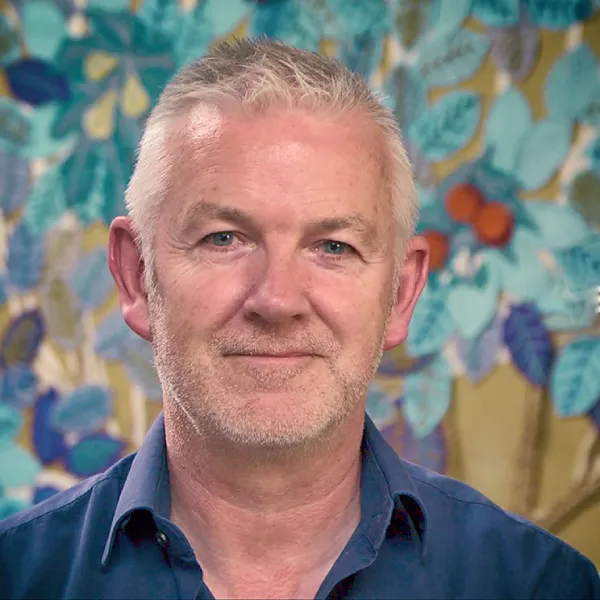
“Inkbot Design didn't just create a beautiful website—they crafted a bespoke digital experience that actually drives results.”
Within 3 months of launching, our conversion rate jumped from 2.1% to 6.8%, and online enquiries increased by 180%. If you want strategic web design that delivers measurable business growth, they are the clear choice.
Programme Manager
Ready to grow?
Our 6-Step Strategic Web Design Methodology
A commoditised template can be built in an afternoon, but a market-leading digital ecosystem must be meticulously engineered. Our proven, 6-step methodology bridges the gap between deep brand strategy and high-performance digital execution. We eliminate guesswork, prioritising user psychology, custom architecture, and measurable ROI at every stage of the build.
Strategic Discovery & Brand Dissection
We do not start with design; we start with data. We conduct a deep-dive audit of your brand’s DNA, market positioning, target personas, and commercial objectives. We analyse your competitors to identify digital gaps we can exploit to capture market share.
The Result for You: A comprehensive Digital Strategy Brief that perfectly aligns your overarching business goals with your new website’s technical execution.
UX Strategy & Information Architecture
Before a pixel is placed, we map the psychological journey of your high-value prospects. We engineer a brand-centric Information Architecture (IA) and wireframe custom user pathways designed to remove friction, build trust, and guide visitors toward conversion points.
The Result for You: A strategic, data-backed blueprint of your website that guarantees intuitive navigation and maximises conversion probability.
Bespoke UI Engineering & Brand Translation
This is where strategy becomes visual. Rejecting pre-packaged themes, we translate your core brand identity into a 100% custom User Interface (UI). We develop bespoke design systems, typography hierarchies, and micro-interactions that command immediate premium perception and market authority.
The Result for You: A visually distinct, immersive digital environment that your competitors cannot replicate, elevating your brand above the commodity tier.
High-Performance Development
Aesthetics mean nothing without performance. Our engineers build your site using lightweight, secure, and modern frameworks. We bake advanced Technical SEO, Core Web Vitals optimisation, and robust schema markup (JSON-LD) directly into the code from line one, ensuring Google's AI perfectly understands your brand entities.
The Result for You: A lightning-fast, highly secure digital asset engineered for maximum search visibility and flawless scalability.
Rigorous QA & Accessibility Compliance
True brand authority requires absolute reliability and inclusivity. We rigorously stress-test your new digital ecosystem across all devices, browsers, and load conditions. We also ensure strict adherence to WCAG accessibility standards, protecting your brand from compliance liabilities and ensuring every user has a seamless experience.
The Result for You: Complete peace of mind knowing your website is robust, legally compliant, and provides a flawless user experience across the board.
Strategic Launch & CRO
We execute a zero-downtime, technically flawless launch, preserving your existing SEO authority (Navboost signals) through meticulous 301 redirect mapping. Post-launch, we don't just hand over the keys; we monitor user behaviour and conversion data to provide insights that help you continuously iterate and scale your digital presence.
The Result for You: A live, revenue-generating digital asset backed by actionable data, driving measurable ROI and continuous business growth.
Our Strategy
A Digital Experience Engineered for Your Next Phase of Growth
Your evolution demands a website that works as hard as you do. We build scalable, high-performance digital environments that protect your brand equity, dominate search visibility, and convert passive visitors into premium, high-value clients.

Where We Stand
By the Numbers
- 20+ Years of Industry Expertise
A quarter-century of navigating brand evolution, from traditional print to the age of Agentic AI.
- 4.9/5 Aggregated Sentiment Score
Based on 160+ verified reviews, our reputation is built on strategic depth and high-precision delivery.
- 2,500+ Strategic Resources
We don't just practice branding; we lead the conversation with one of the industry's largest libraries of strategic insights.
- Top-Ranked Strategic Partner
Vetted and ranked as a Top 30 Agency in the UK and the top branding firm in Belfast, Northern Ireland.

Strategic Intelligence
Navigating the Future of Digital Brand Experiences
The Internet is full of automated AI and commoditised design. To capture market share and command true authority, ambitious brands must continuously evolve.
We don’t just build digital ecosystems; we study them, dissect them, and actively redefine how brands interact with their audiences online.
In our Strategic Intelligence hub, our senior brand strategists and UX architects break down the methodologies behind our most successful digital transformations.
From the psychology of high-converting web architecture to the integration of deep brand narrative within custom UI, explore our latest insights on how to outmanoeuvre your competitors and future-proof your digital presence.
Frequently Asked Questions (FAQ)
Navigating Your Digital Transformation
Investing in a brand-led digital experience is a critical business decision. Below, we address the most common questions ambitious brands ask before partnering with Inkbot Design to architect their custom web presence.
What is the difference between standard web design and “brand-led” strategic web design?
Standard web design focuses entirely on aesthetics and code, often resulting in a generic digital brochure. Brand-led strategic web design, which is our core focus at Inkbot Design, reverse-engineers the website from your overarching brand strategy. We align your market positioning, user psychology, and business objectives to create a bespoke digital ecosystem that actively drives ROI and market authority, rather than just taking up space online.
Why shouldn't our company just use an AI website builder or an off-the-shelf template?
AI builders and templates are excellent for hobbyists or unproven startups, but they actively dilute established, premium brands. They suffer from code bloat (which harms SEO), rigid architectures that cannot scale, and a homogenised look that blends in with competitors. We engineer 100% bespoke, scalable digital assets that offer total control over your user experience (UX) and position your brand as the undisputed leader in your sector.
How much does a bespoke digital experience with Inkbot Design cost?
Because we do not sell commoditised templates, we do not have a flat-rate price sheet. Every project is uniquely scoped based on the complexity of your brand architecture, the depth of the UX/UI requirements, and specific technical integrations. We view your website as a revenue-generating asset, not a sunk cost, and we provide transparent, custom-tailored proposals following our initial strategy consultation.
How long does the strategic web design process typically take?
A premium, custom-engineered digital experience generally takes between 8 to 16 weeks from the initial strategic discovery phase to final launch. This timeline ensures we do not skip vital steps, such as user persona mapping, bespoke UI design, rigorous QA testing, and technical SEO integration. We establish a clear, milestone-driven roadmap before the project begins.
We already have our brand identity (logo, colours, guidelines). Can you just build the website?
Absolutely. While we are a full-service strategic branding agency, we frequently partner with brands that have an established identity but lack a digital presence that reflects their calibre. We will take your existing brand DNA and translate it into a high-performing, conversion-driven digital ecosystem.
Will my internal team be able to easily update the website after launch?
Yes. While we build complex, highly engineered front-end experiences, we pair them with intuitive, user-friendly Content Management Systems (CMS). We build custom design systems and modular blocks, so your marketing team can easily publish content, update imagery, and add new pages without ever needing to touch a line of code or risk breaking the design.
Do you write the website copy, or should we provide it?
A beautiful website with weak copy will not convert. Because we approach web design through the lens of brand strategy, semantic messaging integration is a core part of our process. Our team can either refine your existing content for digital impact or architect the brand narrative and write the conversion-focused copy from scratch.
How do you ensure the new website will rank well on Google?
We bake Entity-Optimised Technical SEO into the code from day one. Unlike generic agencies that treat SEO as an afterthought, we ensure your site architecture, schema markup (JSON-LD), load speeds (Core Web Vitals), and URL structures are engineered to perfectly communicate your brand’s authority to Google’s semantic search algorithms.
Do we own the website and its assets once it is completed?
100%. Transparency is a cornerstone of our agency. Once the final payment is made and the website is successfully launched, you retain full intellectual property (IP) ownership of the design, the code, and all associated digital assets. We do not hold our clients hostage with proprietary platforms or hidden licensing fees.
Is the website optimised for mobile users and accessibility (ADA/WCAG)?
Every digital experience we architect is natively responsive, ensuring a flawless, high-performance user journey whether your client is on a desktop, tablet, or smartphone. Furthermore, we develop with strict adherence to modern WCAG accessibility guidelines, protecting your brand from compliance risks and ensuring inclusivity for all users.
What happens after the site goes live? Do you offer ongoing support?
A strategic website is a living asset. We execute a zero-downtime launch and monitor early user data. Post-launch, we offer flexible retention and ongoing strategic partnerships to handle security updates, continuous conversion rate optimisation (CRO), and digital scaling as your brand evolves. We are here as your long-term digital growth partners.
How do we get started, and what do you need from us?
The first step is a conversation, not a transaction. Fill in the form above to start the conversation. We will review your current digital presence and schedule a consultation to discuss your vision, your business bottlenecks, and your growth targets. From there, we will outline exactly how we can engineer your brand's digital future.