A Beginner Guide to Learning Web Design
Are you someone who’s been eyeing the world of web design, but the thought of diving in has left you feeling more lost than a giraffe at a toga party?
Fear not, my friend! In this comprehensive guide, I will show you how to learn web design without pesky “boo-boos” – even if you’ve never touched a line of code.
As the founder of Inkbot Design, a branding and web design agency, I’ve seen it all when it comes to people trying to break into this industry.
And let me tell you, it isn’t always pretty. But with the right approach and some elbow grease, you can become a web design pro without pulling your hair out (or mine).
So, buckle up, grab a cuppa, and get ready to embark on an adventure that will have you creating stunning websites in no time. Let’s do this!
- Learning web design is essential for building a solid online presence in today's digital landscape.
- Master the basics: HTML, CSS, and JavaScript are crucial for creating functional websites.
- Apply proven design principles to develop visually appealing and user-friendly interfaces.
- Stay up-to-date with industry trends and continuously enhance your skills in web design.
Why Learn Web Design? (And Why Now?)
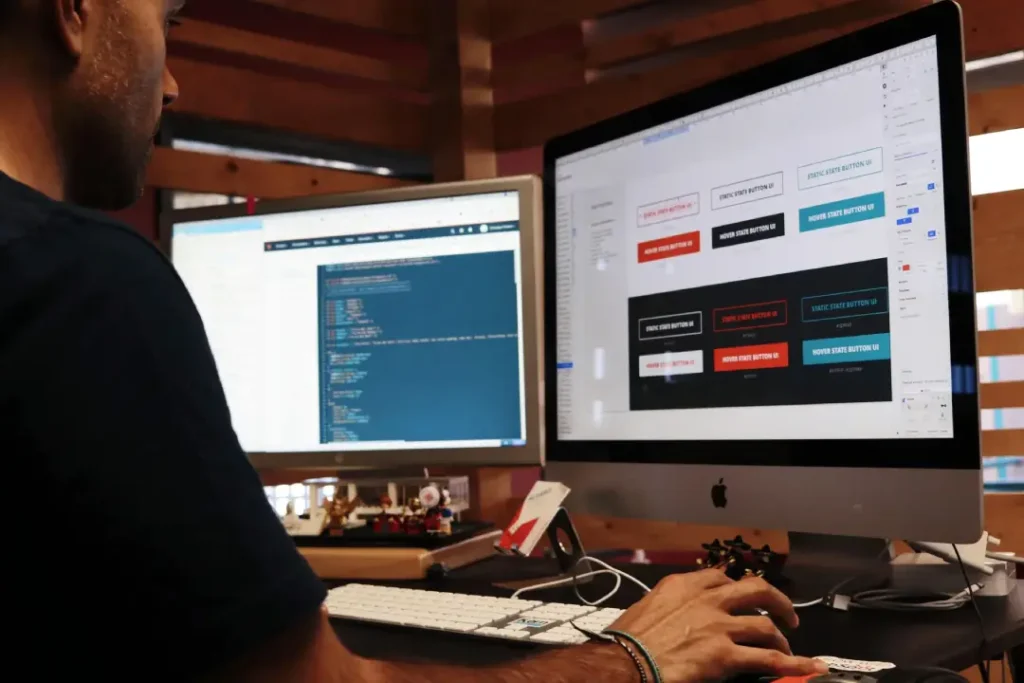
Before we dive into the nitty-gritty of web design, let’s take a step back and explore why this skill is so valuable in today’s digital landscape. After all, understanding the “why” can be just as important as the “how.”
The world has seen an absolute explosion in websites, online businesses, and digital experiences in the past decade. From your local bakery to the most prominent tech giants, having a solid online presence is no longer a luxury – it’s necessary.
And who’s responsible for crafting these digital masterpieces? You guessed it – web designers. These creative and technical wizards bring website visions to life, turning bland online spaces into engaging, user-friendly experiences.
But here’s the kicker: The demand for skilled web designers is skyrocketing, and the supply needs to catch up. Businesses are desperately searching for talented individuals who can help them stand out in the ever-crowded online world.
So, learning web design is an absolute no-brainer if you want to future-proof your career, gain a competitive edge, or simply explore a new and exciting creative outlet. The time is now, my friends. Let’s get started!
The Web Design Basics You Need to Know
Okay, let’s get down to business. When it comes to learning web design, there are a few key areas you need to wrap your head around. Don’t worry; I’ll break it down so that even your grandma can understand (no offence, Nana).
HTML: The Building Blocks of the Web
HTML, or Hypertext Markup Language, is the foundation for all websites. The code tells the browser how to structure and display the content on a web page.
Think of HTML like a bunch of digital Lego bricks – you’ve got your headings, paragraphs, images, links, etc. By arranging these elements correctly, you can create the basic structure of a website.
I know what you’re thinking: “But I’m not a programmer! How am I supposed to learn all this code stuff?” Relax, my friend. HTML is a lot simpler than you think. With a few hours of practice, you’ll be slinging HTML like a pro.
Use semantic elements such as header, nav, main, section, article, aside, and footer. Keep one H1 per page, then nest H2 to H6 so the page outline makes sense. Write meaningful alt text, use descriptive link text, and pair labels with inputs using for and id. It helps screen readers and search.
CSS: Bringing Style to Your Websites
Once you’ve got the structure of your website down with HTML, it’s time to start making it look good. Enter CSS or Cascading Style Sheets.
CSS is the language that allows you to control the visual appearance of your web pages – everything from the colours and fonts to the layout and spacing. It’s like the icing on the cake, transforming your plain Jane HTML into a stunning, visually appealing masterpiece.
But CSS isn’t just about making things look pretty. It’s also a powerful tool for creating responsive designs that adapt seamlessly to different screen sizes and devices. This is especially important in today’s mobile-first world, where people access websites from desktop computers to smartwatches.
Reach for Flexbox and Grid for layout, then scale type and spacing with clamp. Use responsive units, rem, %, and vw. Add media queries like prefers-colour-scheme and prefers-reduced-motion. Container queries and: has are widely supported in 2026. MDN Web Docs and Can I Use confirm this. Design components that adapt. CSS custom properties and logical properties make themes and internationalisation far easier.
JavaScript: Bringing Websites to Life
While HTML and CSS are essential for building the foundation and aesthetics of a website, there’s one more piece of the puzzle: interactivity. And that’s where JavaScript comes in.
JavaScript is a programming language that allows you to add dynamic, interactive elements to your web pages. Think drop-down menus, image sliders, form validations, and all those fancy animations that make websites feel alive and engaging.
Now, I know what you’re thinking: “Programming? Ugh, that sounds hard.” But trust me, with the right approach, JavaScript can be surprisingly approachable, even for complete beginners. And the payoff is massive – bringing your web designs to life and creating truly captivating user experiences.
Design Principles: The Art of Crafting Stunning Websites
All right, so we’ve covered the technical side of web design – HTML, CSS, and JavaScript. But there’s one more critical element to master: design.
Effective web design isn’t just about slapping a bunch of colours and images together. It’s about understanding and applying proven design principles to create visually appealing, user-friendly interfaces.
Things like colour theory, typography, layout, and information hierarchy all come into play. When you learn to wield these design elements skillfully, you can create websites that look amazing and guide users effortlessly through the experience.
I know what you think: “But I’m not a natural-born artist!” Fear not, my friend. While a certain level of creative flair is helpful, web design is more about understanding and applying best practices than being the next Picasso.
Web Performance Basics with Core Web Vitals
Core Web Vitals are field metrics from Google that track how fast a page loads, how it responds to input, and how stable it feels. They guide practical tuning so pages feel quick and reliable. They are measured with real‑world data from the Chrome User Experience Report.
- LCP aims for under 2.5 seconds for good.
- INP, aim under 200 ms for good. It replaced FID in March 2024.
- CLS, aim under 0.1 for good.
The State of Core Web Vitals in 2026: INP fully replaced FID as a Core Web Vital in March 2024, and Google Search Central documents the change. Priority Hints, rel=preload, and HTTP/3 support across major browsers and CDNs can improve LCP and INP when used effectively. The Google Chrome team and the IETF’s HTTP/3 work note received broad support.
Debunked best practice with data: chasing FID is outdated. Google retired it in favour of INP in 2024, so focus on long interaction latency rather than just the first tap. Old image sprites from the HTTP/1.1 era add complexity and little benefit under HTTP/2 multiplexing. Chrome Developers and the IETF HTTP/2 show why many small requests are often fine.
| Wrong Way | Right Way |
|---|---|
| One giant hero JPG with no sizes | Use responsive srcset and sizes, serve AVIF or WebP with JPG fallback |
| Self hosted fonts with no preload and no font-display | Preload key WOFF2 fonts, subset character sets, use font-display, swap |
| Blocking scripts in the head | Defer or async non-blocking JS, split by route, ship less code |
| Images or ads with no width or height | Set width and height or aspect-ratio, reserve space to avoid CLS |
Real-world examples, GOV.UK’s Design System from the Government Digital Service ships accessible, fast components used across government services. BBC’s GEL guidelines emphasise performance budgets and accessible patterns across products. Smashing Magazine’s engineering articles document wins from image optimisation, font loading, and service workers. GitHub Pages offers HTTPS by default via Let’s Encrypt; GitHub states this, which makes beginner deploys safer.
I once audited a retail site that had a slow LCP due to an oversized hero image and late font swaps. Converting the hero to AVIF, adding width and height, and preloading the primary font cut jank and sped up the first render for actual users.
Accessibility Essentials, WCAG 2.2 AA
Aim for WCAG 2.2 AA. W3C published 2.2 as a Recommendation in 2023. Provide a visible focus, keyboard access, clear labels, and helpful error messages. Keep text contrast at least 4.5:1 for normal text and 3:1 for large text. Respect prefers-reduced-motion. Write alt text that explains the purpose, not pixels.
Step-by-Step Guide to Learning Web Design
Now that we’ve covered the foundations, let’s dive into the step-by-step process of learning web design. Buckle up because this is where the real fun begins!
Step 1: Master the Basics
Before you start building your websites, you must have a solid understanding of the core web design technologies: HTML, CSS, and JavaScript. Spend time learning the fundamentals of each, and don’t be afraid to practice, practice, practice.
Many free online resources are available, including tutorials and courses, as well as interactive coding playgrounds. I’d recommend starting with platforms like freeCodeCamp, Codecademy, or W3Schools to get a feel for the basics.
Learn Git from day one. Commit often, branch for features, and open pull requests on GitHub. Use browser DevTools to inspect the DOM, watch the Console for errors, and profile with the Network and Performance tabs. Run quick Lighthouse checks to catch slow images and layout shifts early.
Step 2: Develop Your Design Skills
While technical skills are essential, web design is also a creative pursuit. So, alongside your coding studies, start honing your design chops.
Familiarise yourself with design principles and best practices. Learn colour theory, typography, layout, and user experience (UX) design. Platforms like Coursera, Udemy, and Skillshare offer design-focused courses to get you started.
But don’t just stick to the textbook stuff. Start analysing the websites you visit every day. What do you like about them? What could be improved? Use these observations to inform your own design decisions.
Step 3: Build Your Portfolio
Once you’ve got the basics down, it’s time to start putting your skills into practice. And the best way to do that? Build your websites!
Start with simple projects, like a personal portfolio or a landing page for a fictional business. As you progress, take on more complex challenges, like building e-commerce sites or interactive web applications.
The key here is to experiment, make mistakes, and learn from them. Don’t be afraid to step outside your comfort zone – that’s where the real growth happens.
And remember to document your work! Build a strong portfolio showcasing your best projects, design process, and problem-solving skills. This will be invaluable when landing your first web design gig.
Step 4: Stay Up-to-Date and Keep Learning
The world of web design is constantly evolving, with new technologies, trends, and best practices continually emerging. So, it’s crucial to make learning a lifelong habit.
Follow industry blogs and influencers, attend local meetups or online webinars, and explore new tools and techniques. The more you stay up to date on the latest developments, the better you’ll be able to adapt and thrive in this dynamic field.
And remember, learning web design is a journey, not a destination. Even the most seasoned professionals are continuously expanding their skills and knowledge. So, embrace the process, celebrate your wins, and enjoy the ride!
Step 5: Test and Deploy Your Work
Test on real devices, not just your big monitor. Use responsive design mode, try keyboard-only navigation, and run a quick accessibility pass for focus order and contrast. Check performance with Lighthouse, then fix the highest impact issues first.
Deploy without drama, start with static hosting. GitHub Pages, Netlify, and Vercel provide HTTPS by default; each provider documents this and lets you connect a custom domain. Keep secrets from the client. Use environment variables on the server side, and version your deploys so you can roll back.
Overcoming Common Web Design Challenges
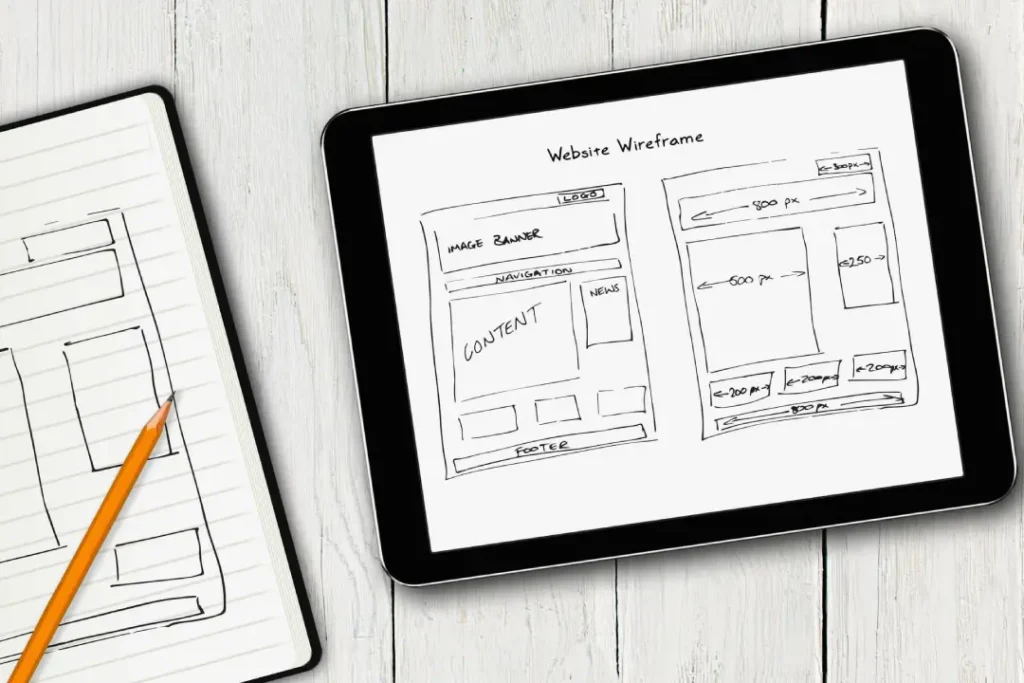
I know what you’re thinking: “Okay, this all sounds great, but what about the challenges? There’s no way it will be smooth sailing, right?”
You’re absolutely right. Like any new skill, learning web design has its fair share of obstacles. But fear not, my friend – I’ve got your back. Let’s tackle some of the most common challenges head-on.
Challenge #1: Information Overload
When you’re starting out, the sheer volume of information, tools, and technologies in the web design world can feel overwhelming. It’s easy to get bogged down in the details and lose sight of the big picture.
My advice? Start small and focus on the essentials. Master the fundamentals of HTML, CSS, and JavaScript before diving into more advanced topics or specialised frameworks. And don’t be afraid to ask for help or seek out mentorship when you’re feeling lost.
Challenge #2: Impostor Syndrome
A common affliction plagues creatives and techies alike: the nagging feeling that you’re not good enough, that you’re a fraud just waiting to be exposed. And in the fast-paced world of web design, it can be all too easy to succumb to these doubts.
But listen up, my friend – you are not alone. Even the most successful web designers have struggled with impostor syndrome at some point. The key is to remember that everyone starts somewhere, and progress takes time and persistence.
So, be kind to yourself, celebrate small wins, and don’t be afraid to ask for feedback. With each new skill you master, that impostor syndrome will start to fade, and you’ll begin to see yourself as the web design rockstar you are.
Challenge #3: Keeping Up with Trends
As I mentioned, the web design landscape constantly evolves, with new technologies, tools, and best practices continually emerging. Staying ahead of the curve and ensuring your skills remain relevant can be challenging.
But here’s the thing: You don’t have to be a mind-reading, future-predicting unicorn to succeed in this field. Instead, focus on building a solid foundation in the core web design principles and technologies. That way, you’ll be better equipped to adapt and learn new things as they come your way.
And don’t forget to allocate time for continuous learning – whether through online tutorials, industry blogs, or hands-on experimentation. The more you stay up to date on the latest developments, the easier it will be to incorporate them into your work.
Challenge #4: Finding Your Creative Spark
Not everyone is blessed with a natural flair for design. And when you’re staring at a blank canvas (or a blank code editor), it can be a real struggle to conjure up that creative magic.
But here’s the thing: creativity is a skill, not a talent. And like any skill, it can be developed and honed over time. Start by immersing yourself in design inspiration, whether browsing design galleries, following influential designers on social media, or analysing the websites you love.
And don’t be afraid to experiment – try new colour palettes, play with different typography, or experiment with unconventional layouts. The more you practice, the more your creative confidence will grow.
Remember, web design is as much a science as an art. By combining your technical know-how with a willingness to explore and take risks, you’ll be well on your way to becoming a true design master.
Challenge #5, Debugging Roadblocks
Reproduce the bug, then strip the page to a minimal test case. Check the Console and Network tabs, set breakpoints, and validate your HTML and CSS. Commit in small steps so you can revert. Take short breaks when you get tunnel vision; fresh eyes save hours.
Frequently Asked Questions (FAQs)
Do I need to be a computer science major to learn web design?
Absolutely not! While a background in computer science can certainly be helpful, web design is an interdisciplinary field that welcomes people from all sorts of backgrounds. If you’re willing to put in the time and effort to learn the core technologies, you can become a skilled web designer, regardless of your academic or professional history.
How long does it take to become proficient in web design?
The timeline for becoming proficient in web design can vary widely depending on your prior experience, learning style, and dedication to the craft. Some people may be able to pick up the basics in a matter of weeks, while others may take several months or even a year to feel truly comfortable. The key is to be patient with yourself, set achievable goals, and consistently practice your skills.
Do I need to learn to code to be a web designer?
While it’s not an absolute requirement, having at least a basic understanding of coding (mainly HTML, CSS, and JavaScript) is incredibly beneficial for web designers. Translating your design ideas into functional, interactive websites will make you a valuable asset to clients and employers. However, web design roles also focus more on the visual and user experience aspects, so it ultimately depends on the specific job requirements.
How can I start freelancing as a web designer?
Freelancing can be a great way to build your web design career, but it does require some preparation and hustle. Start by building a solid portfolio of your best work, and create an online presence (such as a personal website or social media profile) to showcase your skills. Then, explore freelance job boards, reach out to potential clients directly, and network with other designers and developers in your local community. It’s also important to familiarise yourself with the business side of freelancing, such as pricing, contracts, and invoicing.
What’s the job outlook for web designers?
The job outlook for web designers is auspicious. As the demand for digital experiences continues to skyrocket, so does the need for skilled web design professionals. According to the U.S. Bureau of Labour Statistics, employment of web developers and digital designers is projected to grow 13% from 2019 to 2029 – much faster than the average for all occupations. And with the rise of remote work, web design is an increasingly flexible and in-demand career path.
So, what are you waiting for? The world of web design is calling your name. Grab your keyboard, unleash your creativity, and get ready to change the digital landscape one stunning website at a time. Let’s do this!


