The Best Invoicing Software for Freelancers
Every minute you spend chasing an invoice is a minute you’re working for free.
The best invoicing software for freelancers isn’t about “getting paid faster”; it’s a system for protecting your cash flow and looking like a professional, not an amateur.
This isn’t a list of “nice-to-have” tools.
It is a strategic breakdown of the essential software that automates your admin, secures your income, and lets you focus on the billable work that actually matters.
- Invoicing software streamlines payment processes, allowing freelancers to create, send, and track professional invoices easily.
- Key benefits include faster payments, automated reminders, professional appearance, and project profitability tracking.
- Must-have features include invoice customisation, online payments, expense tracking, and integration capabilities.
- Top recommendations include FreshBooks, Wave, InvoiceSimple, QuickBooks, and Zoho Invoice, each offering unique features for freelancers.
What is Invoicing Software?

Before diving into the specific tools, let’s briefly review what invoicing software is.
Invoicing software provides freelancers with an easy way to:
- Create, customise, send, and track professional invoices
- Get paid online through various payment options
- Generate reports on earnings, expenses, profits, etc.
- Automate payment reminders and late fees
- Integrate with other business apps via API
So, these platforms eliminate all the manual work associated with getting paid as a freelancer. No more spreadsheets or paper invoices!
Benefits of Using Invoicing Software
Is investing in invoicing software worthwhile for your freelance business? Consider these benefits:
1 – Get Paid Faster
The primary reason freelancers use invoicing software is to receive payment faster. Invoicing tools make it easy for clients to pay you online, resulting in significantly quicker payment timeframes.
2 – Avoid Payment Follow-Ups
Hounding clients for late payments is annoying and stressful. Invoicing software automates payment reminders through email, saving you this hassle. Some even charge late fees automatically beyond a set payment deadline.
3 – Look Professional
Professional invoices inspire client confidence in your business and services. DIY invoices made on Word or Google Docs don’t cut it.
4 – Track Project Profitability
Understanding your actual earnings requires analysing invoicing and expense data. Reporting features in invoicing platforms quickly uncover this insight.
5 – Work From Anywhere
Invoicing software runs in the cloud. So, as long as you have internet access, you can manage all your billing operations remotely. No need to be chained to a desk!
Must-Have Features
Now that you know the main reasons for using invoicing tools, let’s explore the core features freelancers should look for when choosing software:
Invoice Customisation
You’ll likely have clients from different industries with unique invoicing needs. Customisable templates allow you to tailor invoices, estimates, and documents to every client. Useful custom fields include:
- Logo & branding
- Invoice numbering
- Line item descriptions
- Terms & conditions
- Late fees
Online Payments
Receiving payment instantly with a single click is highly appealing to freelancers. Integration with payment gateways like Stripe and PayPal facilitates easy online payments from clients globally.
Time Tracking
Tracking billable hours across projects is vital yet challenging. Invoicing tools with built-in time tracking greatly simplify this critical task. Some even allow invoices to be generated directly from logged hours.
Expense Tracking
From software subscriptions to phone bills, freelancing involves many out-of-pocket expenses. Deducting these costs from your taxes requires diligent tracking of expenses. Invoicing software automates this process substantially.
Reports & Analytics
How much are you earning every month? What are your most profitable projects or clients? Invoicing software generates insightful reports through visual charts and graphs to answer such questions.
Multi-Currency Support
For freelancers serving international clients, support for sending invoices and accepting payments in different global currencies is essential. Exchange rates get updated automatically as well.
API & Integrations
Top invoicing platforms offer open API and an array of integrations with everyday business apps freelancers use. For instance, connecting to project management, accounting, and banking tools brings immense efficiency.
Mobile Accessibility
Look, you’re not always sitting at your desk. You’re out and about, meeting clients, working from a coffee shop, you name it.
A decent mobile app isn’t just a bonus; it’s how you run your business on the move. You should be able to send an invoice from your phone immediately after a meeting. You should be able to snap a picture of a receipt for your expenses then and there. Getting a notification the second a client pays you? That’s what we’re talking about.
Security and Data Protection
Right, this one’s a big deal. You’re handling sensitive client data and financial information. You absolutely cannot mess about with this.
Any software you choose needs to take security seriously. Look for features like SSL encryption, which essentially scrambles the data so that no one else can read it. Two-factor authentication (2FA) is another good one – it adds an extra layer of protection to your login. If the platform accepts card payments, it must be PCI compliant. Don’t just assume; check it.
Now that you know what invoicing software offers and the must-have features to look for, let’s examine the top solutions freelancers prefer in detail. I’ll also share critical statistics, pros and cons, and pricing information to guide your buying decision.
1 – FreshBooks
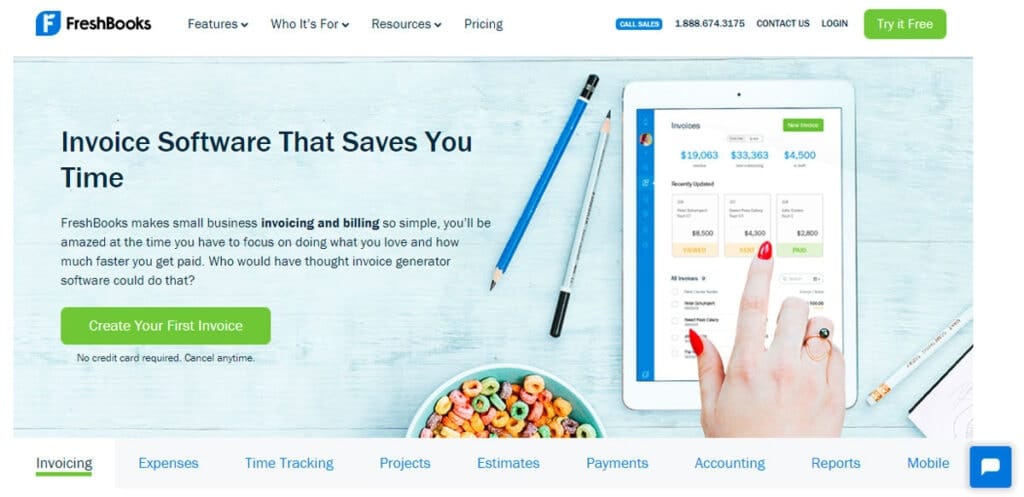
Founded in 2003, FreshBooks is currently at the top of most lists for freelance invoicing software. It caters specifically to the needs of small service-based businesses and solopreneurs. Powerful features tailored to freelancers and an easy-to-use interface are critical reasons for FreshBooks’s enduring popularity.
Key Stats
- 13+ million users across 160 countries
- Ranks #1 in 9 software review sites
- Highest user satisfaction score (98%) in the category
- Astounding 91 scores on Trust Radius
Pros
- Ideally suited for freelancers and solopreneurs
- Very user-friendly interface
- Robust feature set
- Top-notch support and a helpful blog
- Discounts for non-profits and students
Cons
- More expensive than some competitors
- The steep learning curve for reports/analytics
- Lacks project management capabilities
Pricing
- Free 30-day trial
- Monthly plan – $15 for five clients
- Plus plan – $25 for 50 clients
- Premium plan – $50 for 500+ clients
Bottom Line: With unmatched ease of use, tailored capabilities, outstanding service, and stellar reputation, FreshBooks is the gold standard for freelance invoicing software.
2 – Wave

Founded in 2009, Wave is best known as an affordable yet comprehensive accounting platform for small businesses and entrepreneurs. Along with double-entry accounting features, Wave offers powerful invoicing, payment, and expense tracking capabilities, making it an excellent choice for freelancers.
With Wave’s free basic plan, you can go a long way in managing your freelance finances. And hungry entrepreneurs will surely appreciate the software’s transparent, fair pricing. Let’s break down the vital details of using Wave for invoicing and payments:
Key Stats
- Six million+ registered users
- 400,000+ monthly active users
- Scored 4 out of 5 by PC Mag
- Rated Excellent (9.2) on Trustpilot
Pros
- Free and full-featured basic plan
- Unlimited Wave invoices
- Simple dashboard to manage clients
- Top-rated mobile apps for iOS/Android
- Automated expense tracking
Cons
- Interface slightly outdated
- Support the best effort (no SLAS)
- Lacks advanced customisation
Pricing
- Wave Basic – FREE forever
- Premium plan – $9 per month
- Plus plan – $18 per month
Bottom Line: With an unbeatable free plan packing unlimited invoicing, freelancers seeking budget-friendly billing software should shortlist Wave. Reasonably priced Premium and plans provide more prosperous payments, accounting, and customisation capabilities.
3 – InvoiceSimple
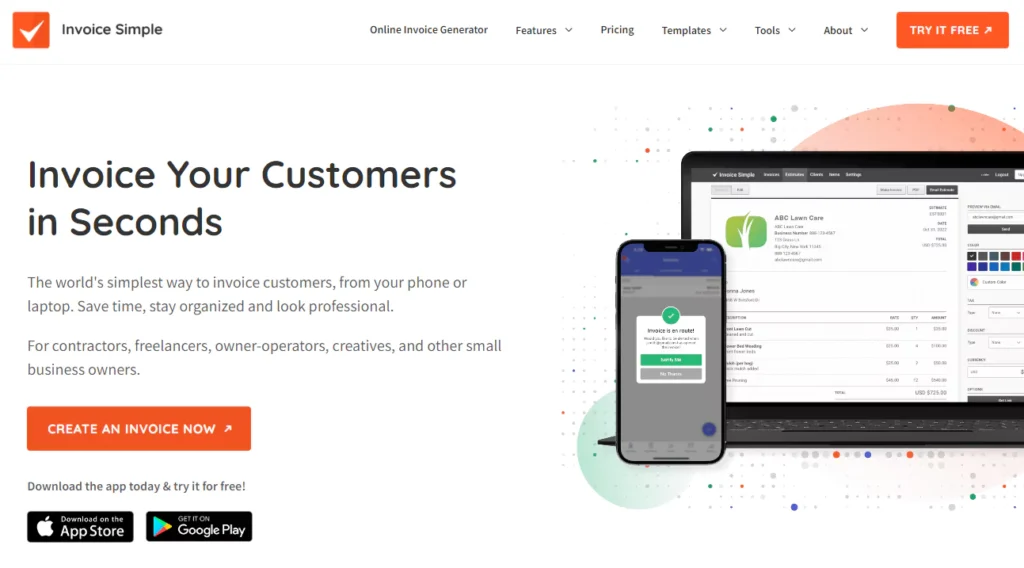
As the name suggests, InvoiceSimple focuses on crafting unique, tailored invoicing experiences for freelancers through simplicity and automation. Its beautifully designed interface and powerful integrations also earn it rave reviews among users. Let’s peek under the hood to see the magic!
Key Stats
- 15,000+ happy customers
- 4.8 stars on Capterra (430+ reviews)
- 4.7 rating on G2 (170+ reviews)
- Featured on Forbes, Business Insider
Pros
- Sleek, intuitive interface
- Packed with automation features
- Generous free plan available
- Tight integration ecosystem
- Fantastic mobile experience
Cons
- Payments via Stripe only
- Support seems stretched thin
- Steep learning curve initially
Pricing
- Free plan – 1 user, five clients, 50 invoices/month
- Pro plan – $12 per month
- Max plan – $18 per month
Bottom Line: InvoiceSimple strikes the perfect balance between simplicity and customisation for solopreneurs. And with productivity-boosting automation, delightful design, and a surprisingly generous free offering, it warrants serious evaluation.
4 – QuickBooks Invoicing
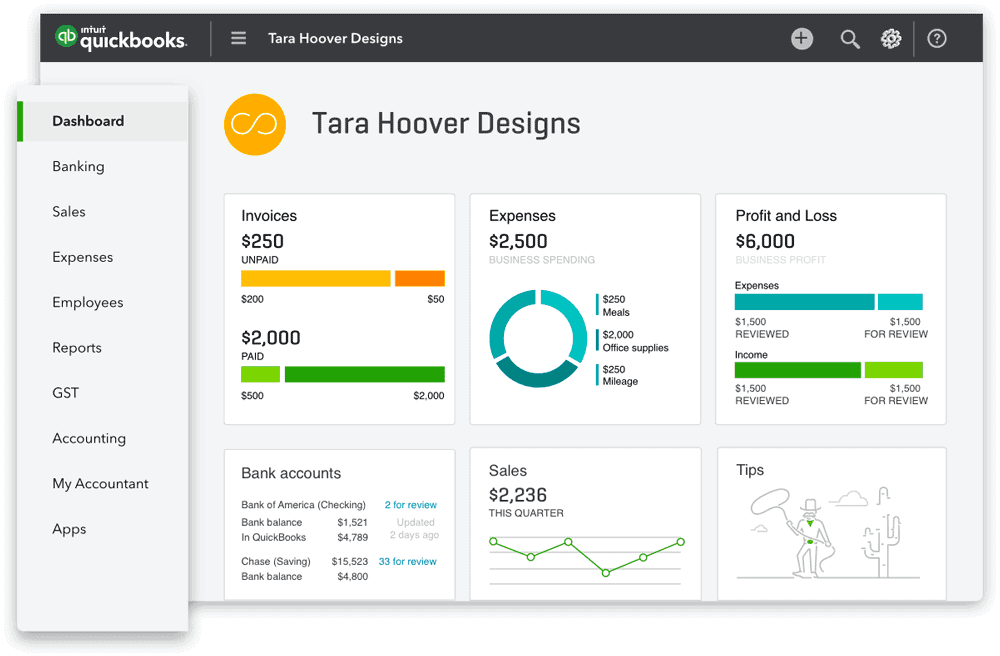
No discussion of small business fintech is complete without Intuit’s QuickBooks. And with its online invoicing tool tailored to freelancers, QuickBooks is undoubtedly a compelling option. Let’s analyse how it stacks up.
Key Stats
- Eight million global subscribers
- #1 small business accounting software
- 160,000 5-star reviews
- Scored 4.5/5 on Capterra
Pros
- Smooth integration with the broader QuickBooks ecosystem
- Access to QuickBooks’ renowned payroll features
- Best-in-class bank reconciliation
- Generous discounts for early signup
Cons
- Expensive compared to the competition
- Steep learning curve
- Occasional sync failures
Pricing
- Simple Start – $25/month (1 user, five clients)
- Essentials – $35/month (up to 3 users)
- Plus – $70/month (up to 5 users)
Bottom Line: Intuit’s offering hits the mark with smooth integrations and stellar tools for freelancers already bought into the QuickBooks ecosystem, seeking a seamless invoicing extension. But the relatively high pricing demands serious thought.
5 – Zoho Invoice
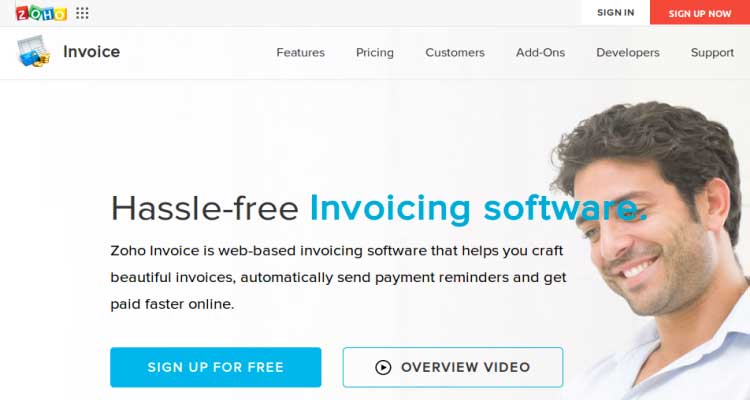
Last but not least on our list of top invoicing systems for freelancers is Zoho Invoice. Part of Zoho’s expansive business software empire, Zoho Invoice impresses with its deep customisation, which is suitable for freelancers with diverse clientele and complex needs.
Key Stats
- 60+ million users across Zoho tools
- Available in 10 languages
- #1 in customizability (G2 rating)
- Named a strong performer by Forrester
Pros
- Unparalleled template customisation
- Supports 50+ global currencies
- Deep third-party integrations
- Generous free plan
Cons
- Steep learning curve
- No native Chron integration
- Underwhelming mobile experience
Pricing
- Free – 5 invoices per month
- Standard – $20 per organisation per month
- Professional – $35 per organisation per month
Bottom Line: Zoho Invoice warrants consideration due to its unmatched invoice customisation capabilities and deep compatibility with the apps freelancers frequently use. Be prepared for a more challenging initial ramp-up.
6 – Billdu

Billdu is an easy-to-use, feature-packed invoicing app for small businesses. It enables you to quickly create professional-looking invoices, estimates, purchase orders, delivery notes, and other essential business documents.
With features like automatic payment reminders, recurring invoices, online payments, expense management, and invoice status tracking, Billdu has everything you need to run and scale your business smoothly.
Furthermore, Billdu’s affordable subscriptions and great reviews (4.8 out of 5 on the App Store, 4.7 out of 5 on TrustPilot) secure its place as one of the best options on the market.
Try Billdu for 30 days free (no credit card required), and then get it for as little as $3.99 on the Lite plan. Or, go one step further and enjoy the extensive possibilities with the Standard plan for $8.99 or Premium for $16.99.
7 – FormPros

While not strictly an invoicing software, FormPros reveals a robust platform to simplify official document creation. For business people and freelancers alike, the ability to create a pay stub online is invaluable, providing professional results with minimal hassle.
FormPros offers extensive templates tailored to suit various business needs, ensuring your documentation is accurate and compliant.
Their easy-to-use interface is exceptionally user-friendly, and you’ll be pleased to know that FormPros is a trustworthy company, boasting a 4.8 out of 5 rating on Shopper Approved (with over 13k reviews) and a 4.4 out of 5 rating on Trustpilot.
That’s because FormPros has established secure data protocols to protect user information, giving peace of mind when creating confidential documents online.
FormPros costs depend on the type of form you want and the quantity you need. For example, a Form W-2 is $14.99, whereas a single paystub is $8.99 (or $96 for unlimited).
8 – Refrens

Refrens is a comprehensive invoicing software and an all-in-one platform to manage your firm’s operations. It is specially designed to manage the fundamental invoicing process, from drafting personalised invoices to sharing them via various platforms, ensuring timely payment, and more.
Key Stats
- 150k + users across 170 countries
- Rated 4.8 based on 11700+ ratings
- Rated five stars (Excellent) by Software Advice in 2024
- Recognised with “Best Ease Of Use” and “ Best Value” badges by Capterra
Pros
- User-friendly and streamlined automation for effortless invoicing.
- Highly customisable to suit unique business needs.
- Facilitates automated payment reminders to ensure timely payments.
- Simplified recurring invoicing facilitates easy sharing via link, WhatsApp, and email.
- Generate a QR code and get paid quicker.
- Convert documents from invoices to e-invoices, e-waybills, debit notes, credit notes, etc.
- Seamlessly manage multiple businesses and team members
- Get 24/7 live support.
- Create automated invoices instantly without accessing the system using the Refrens Invoice API.
Cons
- Limited trial period.
- Advanced features might be available only in paid plans.
Pricing
- Free Plan: Free plan for small businesses to create up to 50 documents/year
- Premium Plan: Pricing starts from as low as ₹100/month or $2.5/month, depending on the number of users & features
9 – ThePayStubs
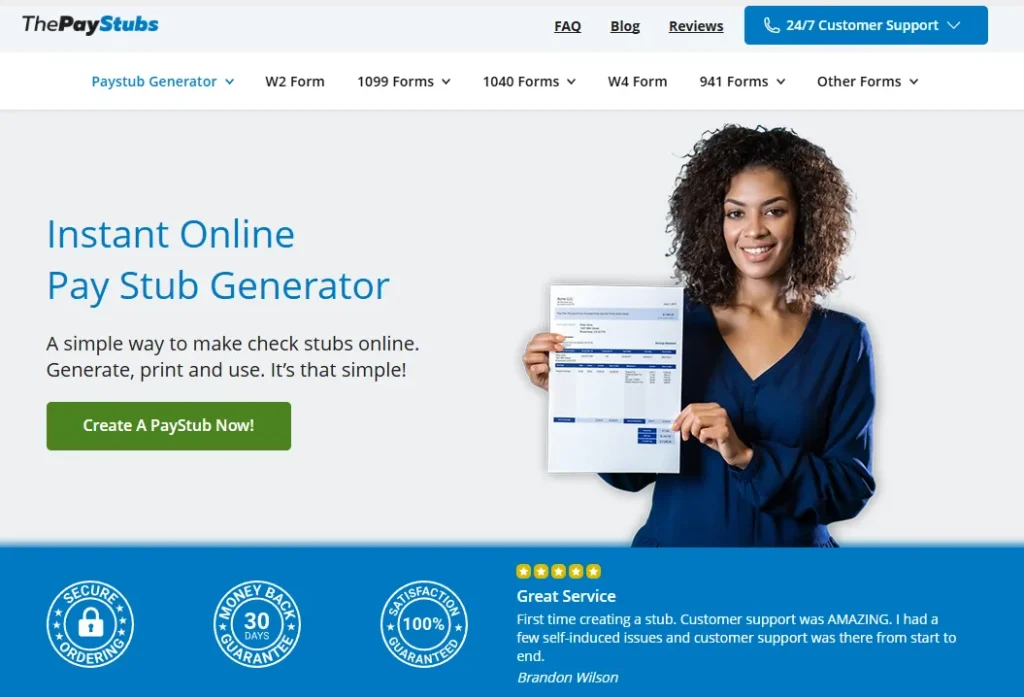
ThePayStubs is a reliable online paystub generator for freelancers, contractors, and small businesses. It streamlines the process of creating professional pay stubs by simply entering company details, income, and deductions, generating accurate documents in minutes for proof of income, loans, rentals, or personal records.
Key Stats
- Trusted by thousands of freelancers, employees, and small business owners
- Rated highly for accuracy and ease of use across review platforms
- Widely used in the U.S. for generating compliant pay stubs instantly
Pros
- Extremely easy-to-use interface with step-by-step guidance
- Generates accurate, professional stubs in minutes
- No software installation required — 100% web-based
- Provides legally valid proof of income for banks, landlords, and agencies
- Accessible anytime, anywhere with instant download options
- Supports multiple stub generations for ongoing record-keeping
- Secure process with data confidentiality
Cons
- Limited to pay stub generation (no broader invoicing/accounting features)
- Some advanced customisation options require payment
Pricing
Single Stub: From $8.99 per stub
Multiple Stubs Bundle: Discounted rates available for bulk purchases
10 – Bonsai
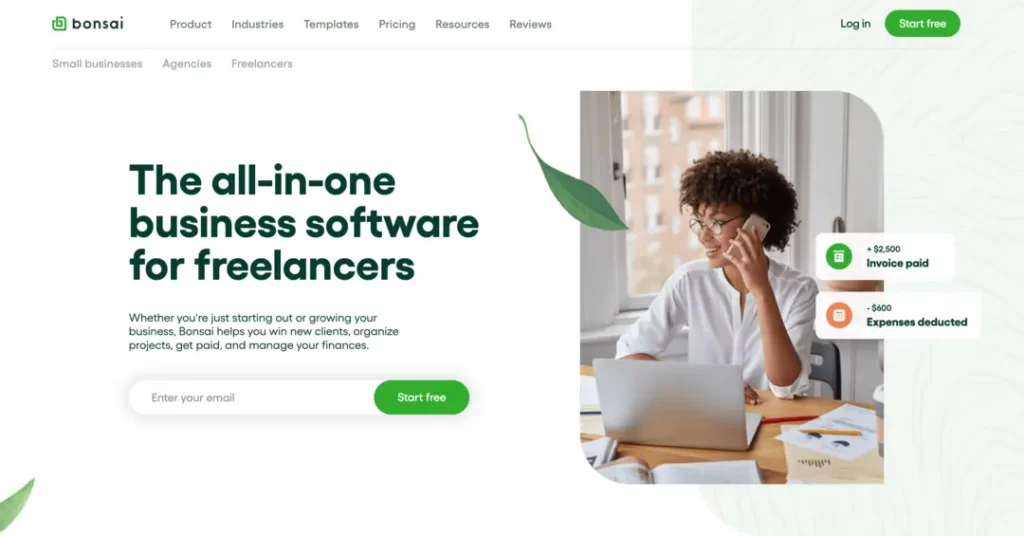
Bonsai (now operating as Fiverr Workspace) isn’t just about sending an invoice. The issue is that it attempts to be the entire system for managing your freelance gig. From drafting a proposal and securing a contract to managing the project and billing, it keeps everything under one roof.
It’s built from the ground up for freelancers, which means it gets all the little things right.
Key Stats
- Used by over 500,000 freelancers and agencies
- Integrates proposals, contracts, time tracking, and invoicing
- Acquired and integrated into the Fiverr ecosystem
- Rated 4.6 on G2 from user reviews
Pros
- All-in-one platform simplifies your workflow
- Legally vetted contract templates save a lot of hassle
- The client portal looks professional and keeps things organised
- Automates a lot of the admin, from reminders to tasks
Cons
- It can be overkill if you just need a simple invoicing tool
- The sheer number of features can feel a bit much at first
- Subscription is pricier than some basic invoice-only options
Pricing
- Starter plan – around $24/month
- Professional plan – around $39/month
- Business plan – around $79/month
Bottom Line: If you’re tired of juggling five different apps for proposals, contracts, and invoices, Bonsai puts it all in one place. It’s the command centre for the serious freelancer.
11 – HoneyBook
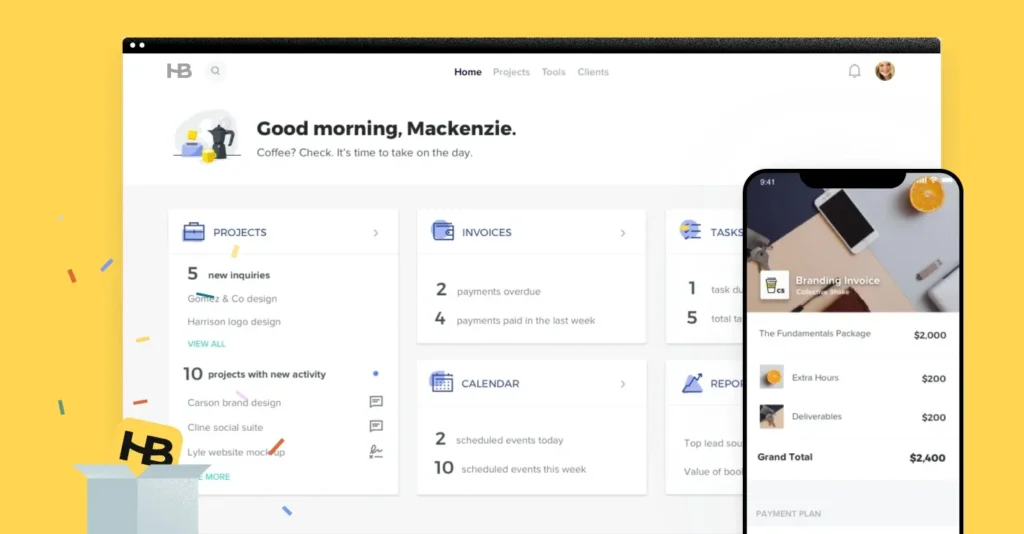
HoneyBook is big on managing your ‘client flow’. That’s their word for the whole process from the moment a potential client gets in touch to the final payment and review. It’s hugely popular among creative freelancers, such as photographers, designers, and consultants, because it looks great and makes the client experience feel exceptionally polished.
Key Stats
- Trusted by over 100,000 independent businesses
- Processes billions in payments for its members annually
- Highly rated for user experience, scoring 4.8 on Capterra
- Focuses on the creative and service-based industries
Pros
- Beautiful, intuitive interface for you and your clients
- Powerful automation for sending emails, files, and follow-ups
- Built-in scheduling tool that syncs with your calendar
- Combines contracts, invoices, and payments into one file
Cons
- Mainly focused on the US, Canada, and UK markets
- Transaction fees for payments can be higher than competitors
- Might be too feature-heavy if you just need basic invoicing
Pricing
- Starter Plan – $19/month
- Essentials Plan – $39/month
- Premium Plan – $79/month
Bottom Line: For freelancers who sell a service, not just a product, and want to give their clients a brilliant, automated experience from start to finish, HoneyBook is hard to beat.
Key Buying Considerations
Now that you’re familiar with the five best invoicing systems for freelancers, let’s recap some key factors to weigh as you evaluate options:
Client Volume
The pricing models, capabilities, and scalability vary widely across solutions. So carefully project your foreseeable client and invoice volumes before committing.
Desired Customisation
Do you serve clients from diverse industries or plan to expand your services? If heavy customisation is desired, narrowing down choices offers better tailoring.
Integration Needs
Determine which other apps, such as payment systems, banks, accounting software, and project tools, you want seamless connectivity with and give preference accordingly.
Available Budget
As outlined in the pricing section, these tools range from free to over $ 100 per month in costs, based on features and usage. Set realistic budgets that you can afford in the long term.
Scalability
Right, think about where you’ll be in a year. Or two. The tool that works for you as a solo act might start to creak when you grow.
Does the pricing increase significantly if you acquire more clients? Can you add a team member or a virtual assistant later on? Pick a system that can grow with you, not one that’ll hold you back when you start smashing it.
Learning Curve
While all platforms emphasise simplicity, some require more patient ramp-up than others. So, consider your team’s tech comfort levels as well before making a decision.
Do you still need help evaluating options against so many criteria? Don’t worry – sign up for 1-2 free trials first rather than over-analysing prematurely!
Conclusion
Juggling the financial complexities – invoicing, expenses, payments, accounting – makes effective freelancing tremendously challenging. Thankfully, as elaborated in this guide, purpose-built invoicing software tailored to the needs of solopreneurs alleviates your billing and payment headaches.
From delightful designs that exceed client expectations to automation that liberates you from manual processes, today’s tools pack immense power. After comparing the pros and cons, capabilities, and economics of the 5 top platforms, I hope you are better positioned to determine the best fit for your freelance venture.
Remember key buying factors, such as client size, customisation needs, integration capabilities, and learning ramp-up, as you evaluate options for streamlining invoicing. But don’t obsess endlessly either – sign up for 1-2 free trials firsthand rather than overanalysing prematurely.
I wish you the best as you leverage modern fintech to flourish as a freelancer. Feel free to reach out with any other questions!
Best Invoicing Software FAQS
What is the best free invoicing software for freelancers?
Wave and InvoiceSimple offer the most generous and fully featured free plans worth considering for freelancers. Wave offers unlimited invoicing capabilities, whereas InvoiceSimple allows up to 50 monthly invoices.
What essential features should a freelance invoice include?
Essential details every freelancer’s invoice must cover include: invoice number, bill date, client name/address, description of services delivered, associated fees/costs for each service, quantities (if applicable), sales tax to add, total amount owed, payment terms, early payment discounts (if offered), and footer with payment instructions.
Should I pay taxes on freelance income?
Yes, in most countries, you must pay income tax on freelance earnings, just as you would on regular income. Exact percentages vary based on country/state, income level, registration status, deductions claimed, and other factors. So, consult a financial advisor to determine your specific tax liabilities.
What monthly invoicing volume makes automated solutions worthwhile?
Generally, 5+ monthly invoices with significant time spent on manual follow-ups mark the threshold where the benefits of automation kick in for most solopreneurs. And given generous free tiers from leading vendors, experimenting makes sense once you reach approximately three monthly invoices.