Top 10 AI Logo Generators: Good, Bad, and Legally Dubious
AI logo generators are not going to replace a seasoned brand strategist.
Not yet. Perhaps not ever.
If you are here expecting to read about how these tools will “unleash your brand’s soul” for £20, you are on the wrong blog. I’ve spent two decades fixing the visual identities of companies that tried to cut corners, only to find their “unique” logo was used by three other competitors in the same postcode.
However, ignoring artificial intelligence in 2026 is foolish. These tools have a place.
For a bootstrapped startup, a side hustle, or a mood board, they are functional. The danger lies in mistaking a generated image for a strategic brand asset.
We tested the current market leaders. We looked for clean vector nodes, trademark viability, and actual design intelligence. Here is the unvarnished reality of the AI logo generators market.
- AI logo tools are useful for ideation and placeholders, but rarely replace strategic, human-led brand design.
- Vector output and font licensing are non-negotiable; raster-only files and unclear licences jeopardise scalability and trademarking.
- Many generators use non‑exclusive templates or public‑domain outputs, risking duplicate logos and costly rebrands.
- Use AI for MVPs and mood boards; for trademarks, scaling or investor readiness, hire a professional designer.
What Actually Is an AI Logo Generator?

Before we tear into the software, we must define the mechanism. Most tools marketed as “AI” are nothing of the sort.
An AI Logo Generator is typically one of two things:
- Generative Adversarial Networks (GANs): These tools (like Midjourney or DALL-E) actually “dream” up pixels based on a text prompt. They create original imagery, but often struggle with text and vector output.
- Algorithmic Template Matchers: These tools (like Looka or Wix) use a decision tree. You select “Modern” and “Blue,” and the code pulls an icon from a database, pairs it with a font from a library, and presents it. It is not creating; it is assembling.
Key Components of a Viable Logo Tool:
- Vector Output (SVG/EPS): If it only gives you a JPEG, it is useless for print.
- Font Licensing: Do you have the legal right to use that typeface commercially?
- Uniqueness: Is the icon exclusive to you, or will 500 other users get the same “abstract lion”?
The Elephant in the Room: Copyright and Ownership
This is the section most “tech reviewers” skip because it is uncomfortable.
You may not be able to trademark an AI-generated logo.
In the United States, the Copyright Office has repeatedly ruled that works created entirely by AI without significant human intervention cannot be copyrighted. In the UK, the “computer-generated works” clause exists, but it is legally murky when the “author” is a prompt.
If you use a tool like Midjourney, the raw image is public domain. Anyone can take it. If you use a template mash-up tool like Canva or Looka, their terms of service usually state that the icons are non-exclusive. You own the specific arrangement, but not the symbol itself.
The Risk: You build a brand worth £10m. You try to register the trademark. The application is rejected because the icon is stock art available to everyone. You now have to rebrand.
The Top 10 AI Logo Generators: A Forensic Review
We have categorised these into three distinct tiers: The Professionals, The Template Assemblers, and The Ideation Engines.
Tier 1: The Professionals (Vector-First Tools)
These tools are designed for utility. They integrate with professional workflows and understand that a logo must be a mathematical formula (vector), not just a pretty picture.
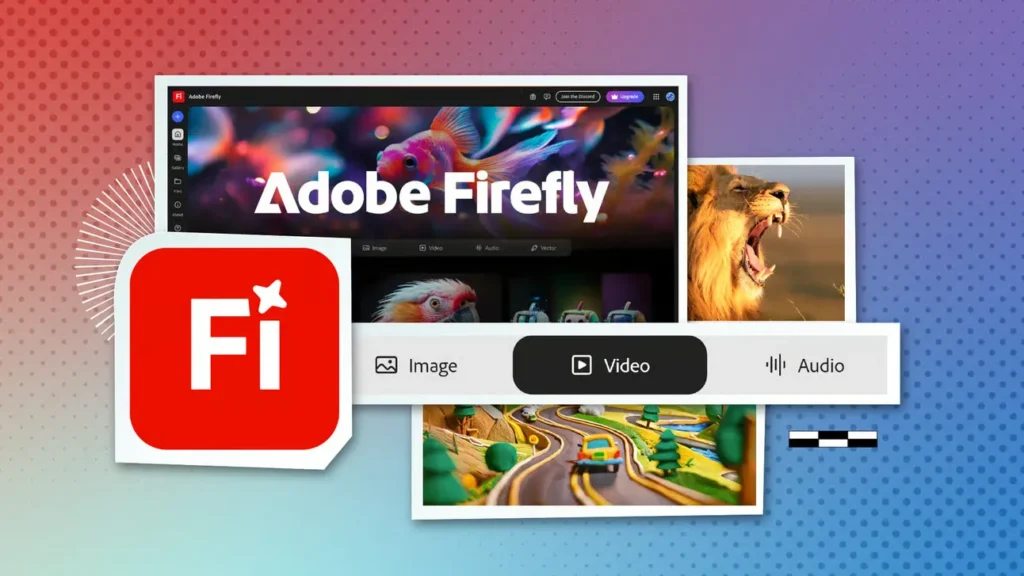
1. Adobe Firefly (Integrated into Illustrator)
Adobe has taken a different approach. Rather than a standalone “make me a logo” button, they have integrated Generative Recolour and Text to Vector directly into Illustrator.
- The Output: Genuine vector paths. You get points and curves that you can edit.
- The Pros: Safe for commercial use (trained on Adobe Stock). High-quality geometry. Infinite scalability.
- The Cons: High learning curve. You need an Adobe subscription. It is a tool for designers, not a replacement for them.
- Verdict: The only serious choice for a business that intends to scale.
Consultant’s Note: We use AI in graphic design primarily for ideation and vectorising sketches. Firefly allows us to generate variations of a concept rapidly, but the final polish is always human.
2. Looka (formerly Logojoy)
Looka is the king of the “Template Assemblers.” It creates a decent illusion of design intelligence.
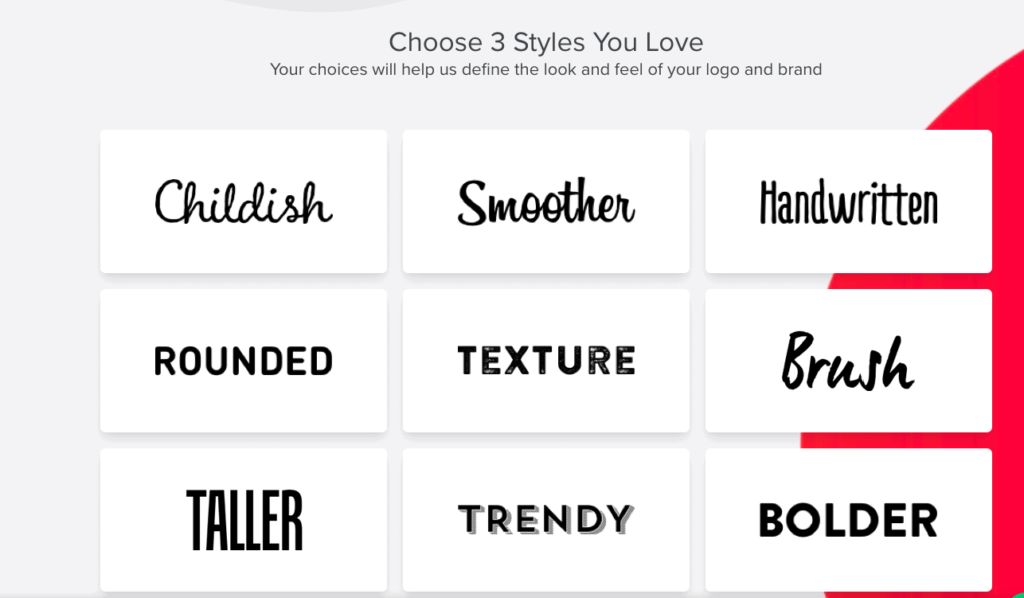
- How it works: You pick styles, colours, and symbols. It mashes them together.
- The Quality: Surprisingly robust. The mockups (brand kits, business cards) are excellent for visualising the brand.
- The Catch: The icons are from a shared library. If you choose a “mountain” icon for your outdoor brand, be aware that ten thousand other outdoor brands have access to the exact same icon.
- Pricing: One-off purchases are available, but they are expensive for what is essentially a clipart organiser.
3. Tailor Brands
Tailor Brands positions itself as a “business builder,” offering LLC formation alongside your logo.
- The Experience: Very similar to Looka but with a heavier focus on typography.
- The Output: Clean, simple, often text-based logos.
- The Upsell: They want you on a subscription. Trying to download a high-res vector file often requires navigating a maze of “Premium Plan” offers.
- Best For: Solo entrepreneurs who need a logo, a domain, and a business card in under an hour.
Tier 2: The Ideation Engines (Pixel-Based)
These are the heavy hitters of Generative AI. They are incredible artists but terrible logo designers.
4. Midjourney (v6)
Midjourney produces the most visually stunning images on the planet. For logos, however, it is a double-edged sword.
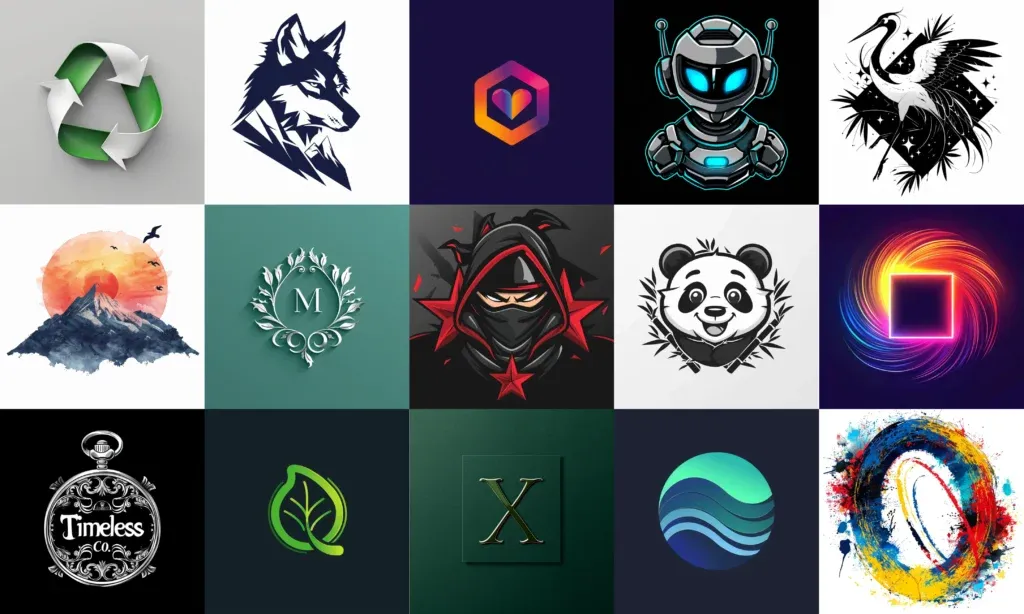
- The Good: Unmatched creativity. Request “Cyberpunk minimalist coffee shop logo, vector style,” and you will receive the artwork.
- The Bad: It outputs raster images (pixels). You cannot blow these up for a billboard without pixelation. Text generation is improved but still hit-or-miss.
- The Workflow: You must generate the image here, then upscale it, then bring it into Illustrator to manually trace it into a vector.
- Use Case: Mood Boarding and Concept Exploration. Do not use the raw output as your final logo.
5. DALL-E 3 (via ChatGPT Plus)
OpenAI’s answer to image generation. Its strength is its conversational interface.
- The Experience: You can talk to it. “Make it simpler.” “Remove the shadow.” “Make the blue darker.”
- The Reality: It still struggles with the “simplicity” required for a good logo. It tends to add too much detail, shading, and 3D effects that look terrible in black and white.
- File Format: WEBP or PNG. No vectors.
- Verdict: Great for brainstorming ideas if you have zero design skills.
Tier 3: The “Fast & Cheap” Options
6. Canva Magic Design
Canva is ubiquitous. Their AI tools are essentially a super-powered search bar for their massive asset library.
- Pros: Included in your Pro subscription. Incredibly easy to use.
- Cons: The “Canva Look.” Everyone knows what a Canva font looks like. It screams “DIY.”
- Commercial Rights: Generally safe, but again, non-exclusive assets.
7. Wix Logo Maker
If you are building a Wix site, this is pushed heavily.
- The Function: Drag-and-drop simplicity. It allows for significant customisation after the “AI” suggests a layout.
- The Drawback: It traps you in the Wix ecosystem. Exporting files for use elsewhere (like printing a t-shirt) can be cumbersome, depending on your plan.

8. LogoAI
LogoAI claims to use smarter algorithms than its competitors to understand design rules.
- The Test: In our tests, it did handle colour palettes better than Looka. It understands contrast.
- The Output: It offers “Brand Centre” automation, generating social media covers instantly.
- Critique: The icons still feel generic. It lacks the “human touch” of intentional asymmetry or wit.
9. Designs.ai
A suite of tools, including video, speech, and design.
- The Pitch: An all-in-one creative platform.
- The Reality: The logo tool feels like an afterthought compared to their video tools. It’s functional but uninspired.
- Pricing: Subscription-based mode, which is pricey if you only want a logo.
10. Hatchful (by Shopify)
- The Price: Free.
- The Quality: You get what you pay for.
- The Verdict: If you are testing a product idea and have a £0 budget, use this. Once you make your first sale, hire a designer.

Technical Comparison: The Data
It is easy to get lost in marketing copy. Let’s look at the raw specifications.
| Feature | Adobe Firefly | Midjourney | Looka | Human Designer (Inkbot) |
| Output Type | Vector (SVG) | Raster (PNG) | Vector (SVG)* | Vector (SVG) |
| Commercial Safety | High (Adobe Stock) | Low (Public Domain) | Medium (Non-exclusive) | High (Copyright Transfer) |
| Text Handling | Excellent | Poor | Excellent | Perfect |
| Originality | High | Very High | Low (Templates) | Bespoke |
| Cost | Subscription | Subscription | £50-£100+ | £1,000+ |
| Trademarkable? | Yes (with edits) | No | No (Icons shared) | Yes |
> Note: Looka provides vector files only on higher-tier plans.
The “Sameness” Problem: A Technical Analysis
Why do AI logos often look the same? It comes down to Model Collapse and Deterministic Algorithms.
When you ask Looka for a “Coffee Shop” logo, it queries a database tagged “Coffee.” It identifies the most popular associations: a bean, a steaming cup, and a portafilter. It combines this with the most “popular” fonts (usually Sans Serif, bold).
The result is a regression to the mean. You get the average of what a coffee shop logo looks like.
Branding is not about fitting in; it is about standing out.
A human designer might look at a coffee shop and say, “Let’s not use a bean. Let’s use a character, or an abstract shape representing the caffeine molecule.” AI struggles with this lateral thinking. It deals in probability, not wit.
The State of AI Logo Generation in 2026
The landscape is shifting. In the last 18 months, we have moved from “Text-to-Image” to “Text-to-Vector.”
The next phase, which we are seeing in early betas, is Style-Reference Generation. Instead of describing the logo, you upload your mood board, and the AI matches the line weight, corner rounding, and white space balance of your references.
However, the fundamental issue remains: Intent.
An AI does not know why you want a serif font. It does not know that your competitor uses blue, so you must use orange. It does not understand the psychological impact of a sharp angle versus a soft curve in a B2B pitch. It just mimics patterns.
A Consultant’s Reality Check
I once audited a client—a FinTech startup in London—who had used a generated logo. They were proud of it. It cost them £60.
We ran a reverse image search. That same icon (a geometric hexagon) was being used by:
- A pool cleaning service in Florida.
- A dubious crypto scheme in Russia.
- A generic “placeholder” template on a WordPress theme.
They were pitching to investors for Series A funding. Imagine the look on a VC’s face when they realise the “innovative” tech company has the same branding as a pool cleaner.
They had to rebrand immediately. The cost of updating their app, website, decks, and legal filings was over £15,000. That £60 logo was the most expensive purchase they ever made.
If you are serious about your business, consider professional logo design services. It is an investment in asset ownership, not an expense.
The Verdict
So, should you use an AI logo generator?
YES, IF:
- You are validating a concept, specifically the Minimum Viable Product (MVP).
- You are running a small local project (e.g., a school fete).
- You need a placeholder for a pitch deck.
- You want to generate ideas to show a professional designer.
NO, IF:
- You plan to trademark your brand.
- You want to franchise or scale.
- You need distinct differentiation from competitors.
- You require complex file formats for embroidery, large-format print, or app icons.
The Winner:
If you must use AI, consider using Adobe Firefly within Illustrator for vector generation, or Looka for a quick and passable placeholder.
However, remember that a logo is the face of your business. If your face looks like it was designed by a robot, customers will assume your service is robotic too.
Ready to move beyond algorithms?
If you need a brand identity that you can actually own, protect, and scale, let’s talk. Request a quote today, and let’s build something human.
Frequently Asked Questions (FAQ)
Can I legally trademark a logo created by AI?
Generally, no. In the US, art created entirely by AI cannot be copyrighted. If you use a tool like Looka or Canva, the icons are often non-exclusive, meaning other companies can use the exact same symbol. You cannot trademark a symbol you do not exclusively own.
What is the difference between raster and vector logos?
Raster images (JPEG, PNG) are composed of pixels and become blurry when enlarged. Vector images (SVG, EPS) are made of mathematical paths and can be scaled infinitely without losing quality. Professional logos must be vectors for printing on billboards, vehicles, or uniforms.
Which AI logo generator produces vector files?
Adobe Firefly (via Illustrator) produces genuine editable vectors. Looka, Wix, and Tailor Brands offer vector files (SVG/EPS/PDF) only on their higher-tier paid plans. Midjourney and DALL-E only produce raster images.
Is Midjourney good for logo design?
Midjourney is excellent for generating artistic concepts and mood boards, but it is poor for final logo files. It creates raster images that often contain artefacts, and it cannot handle specific text or clean geometry well enough for professional use without manual tracing.
How much does a professional logo cost vs AI?
AI generators typically cost between £20 and £100 for a download. Professional logo design varies but generally starts at £1,000+ for a freelancer and increases for agencies. The cost difference reflects the strategic research, customisation, and transfer of full copyright ownership.
Do AI logo generators offer transparent backgrounds?
Yes, most paid plans on platforms like Looka, Wix, and Canva will provide a PNG file with a transparent background. However, free versions often include a solid coloured background or a watermark.
Can AI redesign my existing logo?
Yes. You can utilise “Image-to-Image” features in tools like Midjourney or specific “Remix” features in Adobe Firefly to upload your current logo and request variations, modernisation, or stylistic changes.
What is the best free AI logo generator?
Hatchful by Shopify is a popular free option that provides decent-quality files for social media and web use. However, the customisation is limited, and the icons are very generic.
Who owns the copyright to an AI logo?
This depends on the platform’s Terms of Service. With tools like Canva or Looka, you own the composition, but the platform retains the rights to the individual elements (icons/fonts). With generative tools like Midjourney, the output is effectively public domain.
Why does my AI logo look blurry on my website?
You likely used a low-resolution raster file (JPEG/PNG) or the wrong dimensions. Always use an SVG (Vector) file for logos on websites to ensure crisp edges on all screen sizes, including Retina displays.

